





Timetable: Automatic timetabling with teacher, room and resource clash detection

No extra charge. Free instant access, no credit card required.

Works with
  • Academics
Timetable in the EduPrime: Automatic timetabling with teacher, room and resource clash detection
01

Define it once, solve it in one click

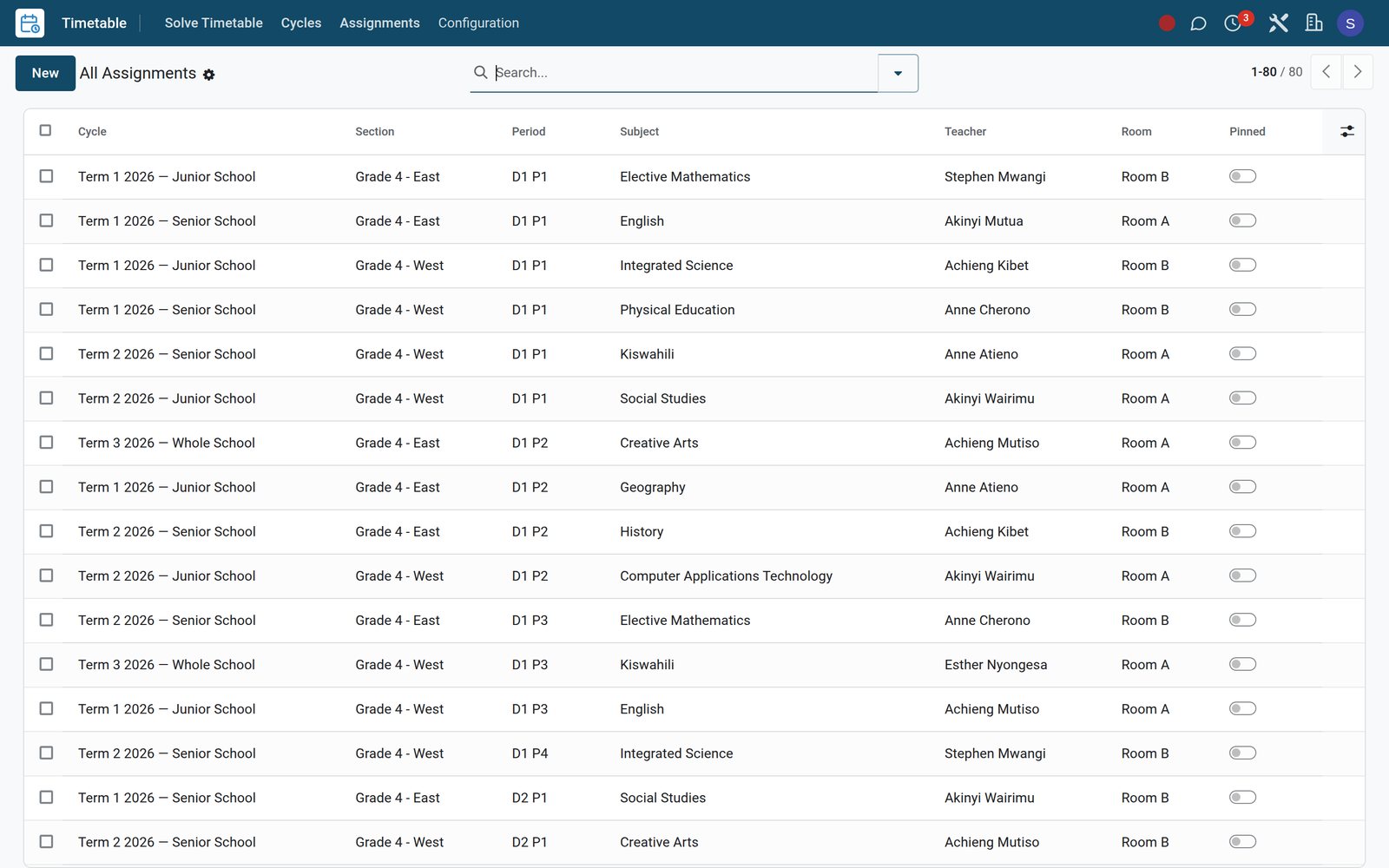
Create a cycle — dates, days per week, the period grid with breaks and assembly — list every requirement (section × subject × teacher, periods per week), then hit Solve: the engine fills the whole school grid, the cycle flips to Solved and every placed lesson lands in Assignments, ready to filter, group and pin.
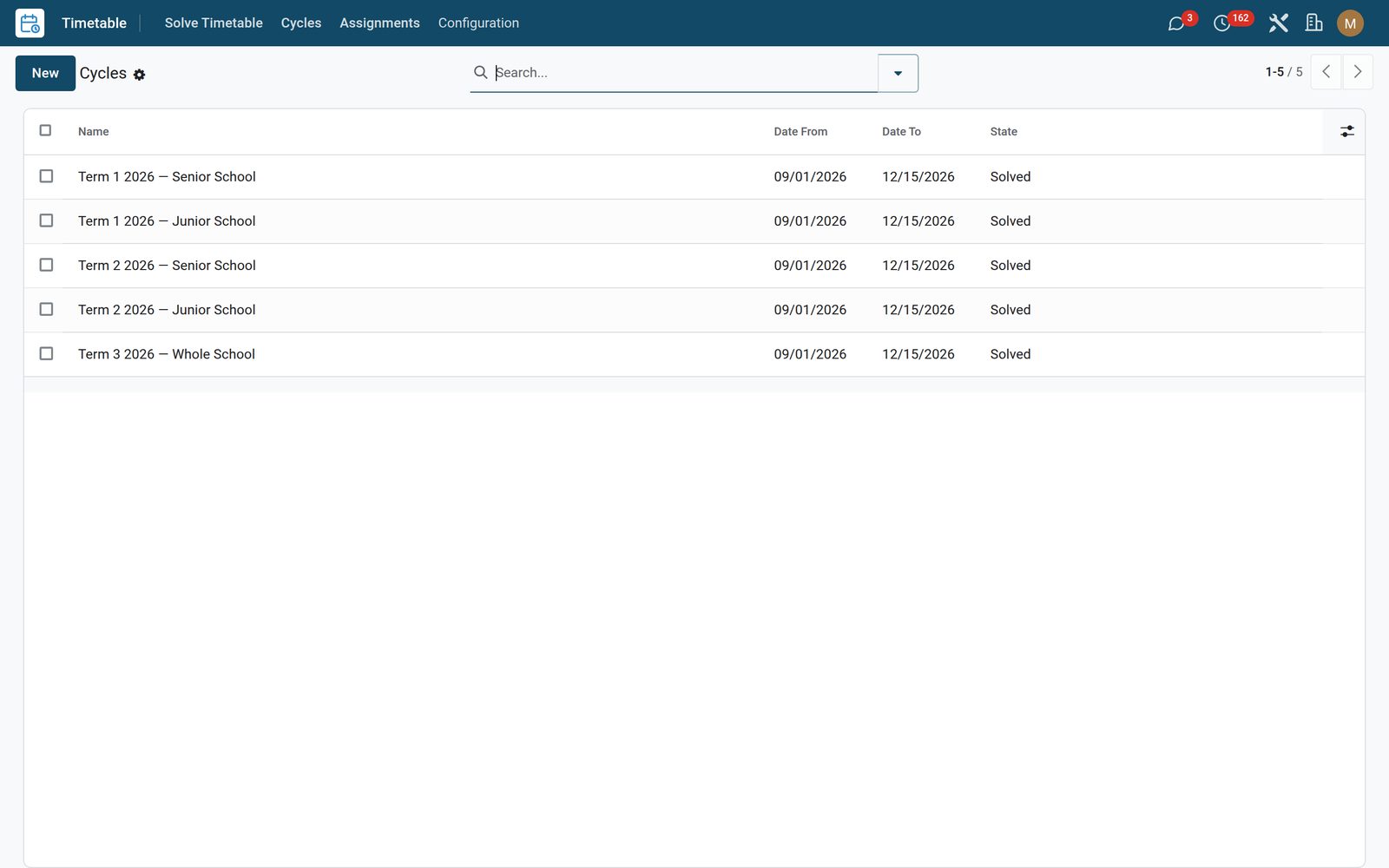
Timetable: Define it once, solve it in one click
02

The rules the solver never breaks

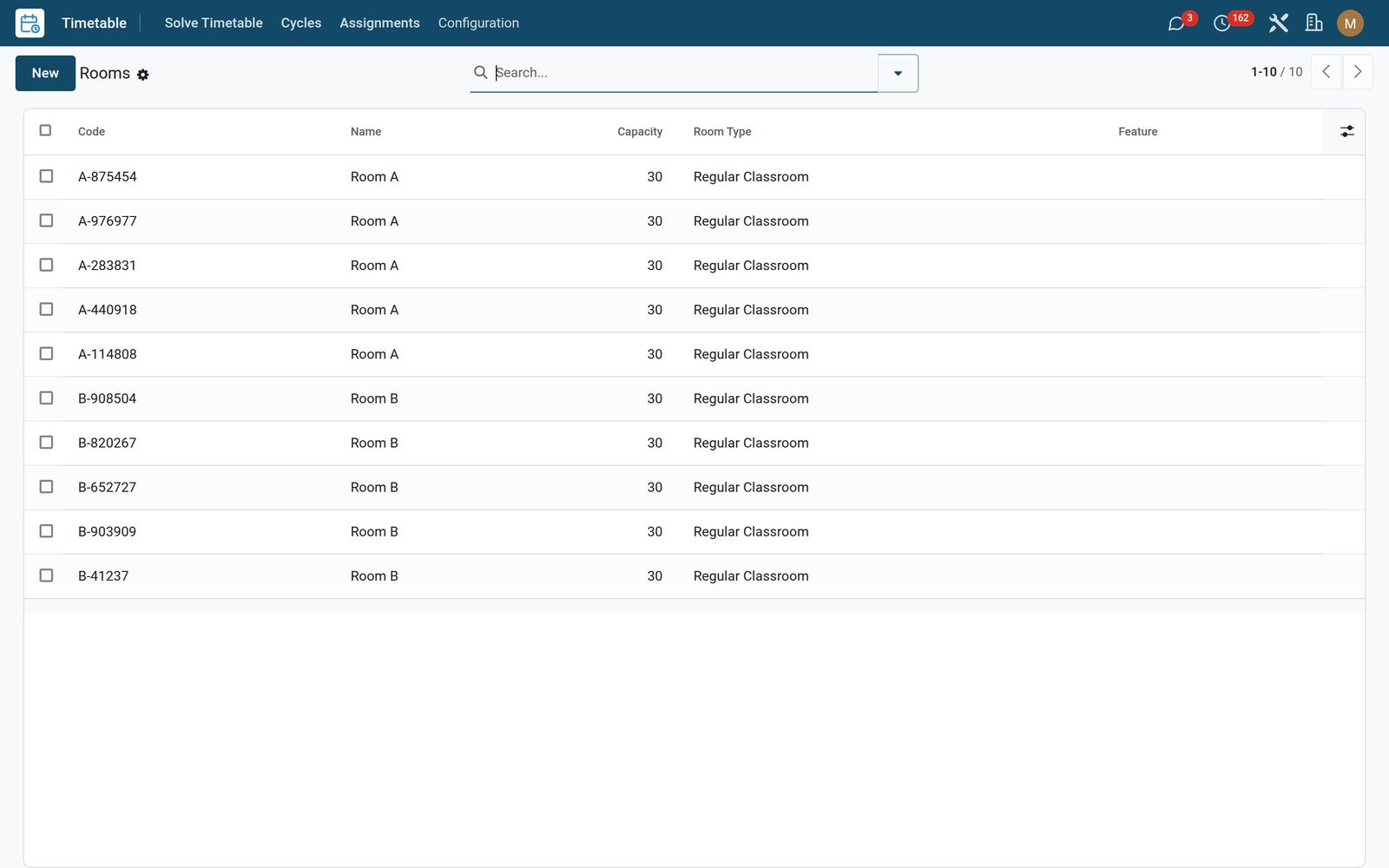
Model rooms with types (labs, studios, gyms), bookable features and capacity, and per-period teacher availability with preference weights — hard rules the engine obeys on every placement, soft preferences it works to honour.

Timetable: The rules the solver never breaks
03

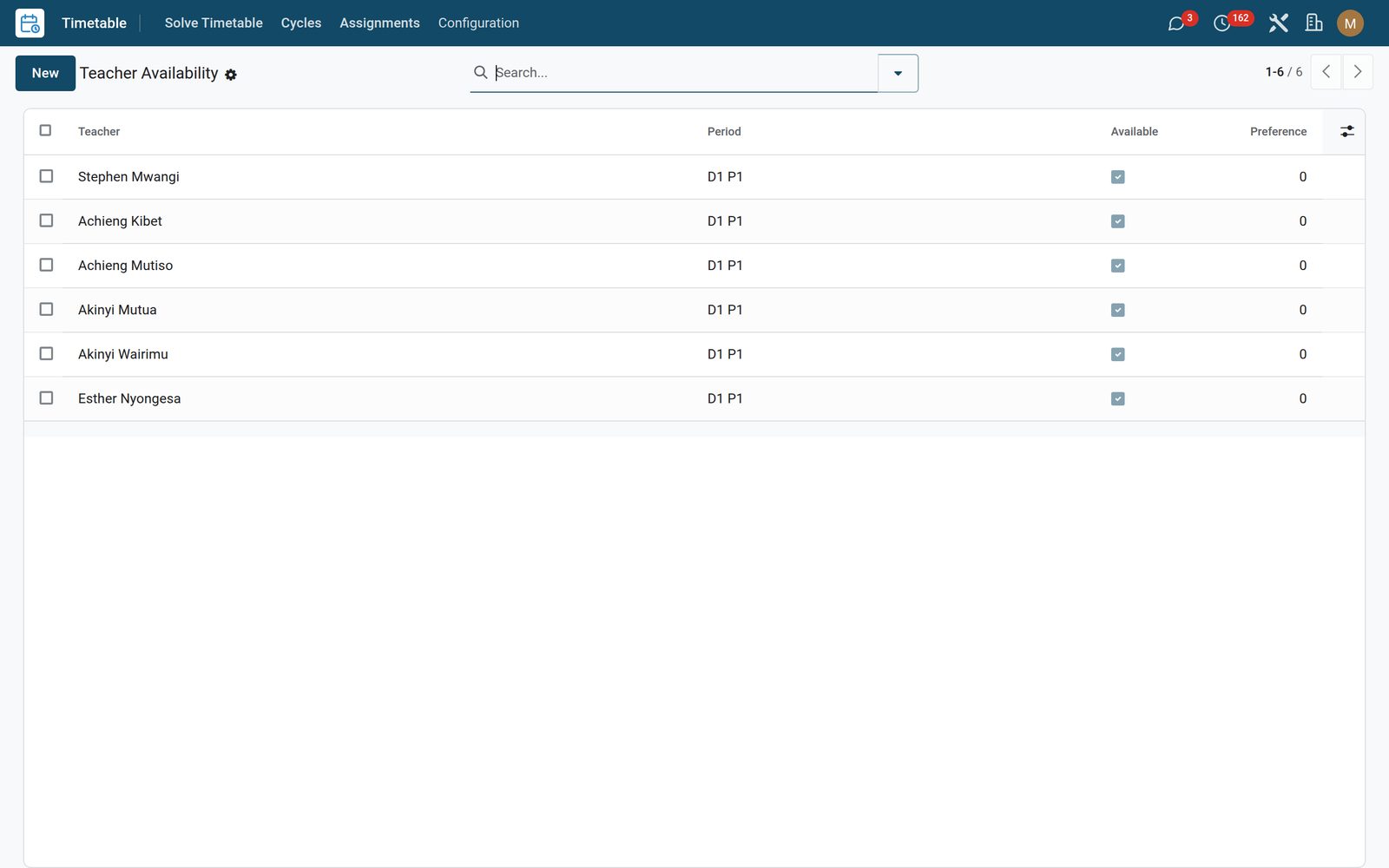
Teacher availability, before the solve

Record when each teacher cannot teach — part-time days, shared staff, protected non-contact time — and the solver honours it. This is the input that decides whether a timetable is workable or merely legal, and it is the one most often collected on paper and typed in twice.

Timetable: Teacher availability, before the solve
04

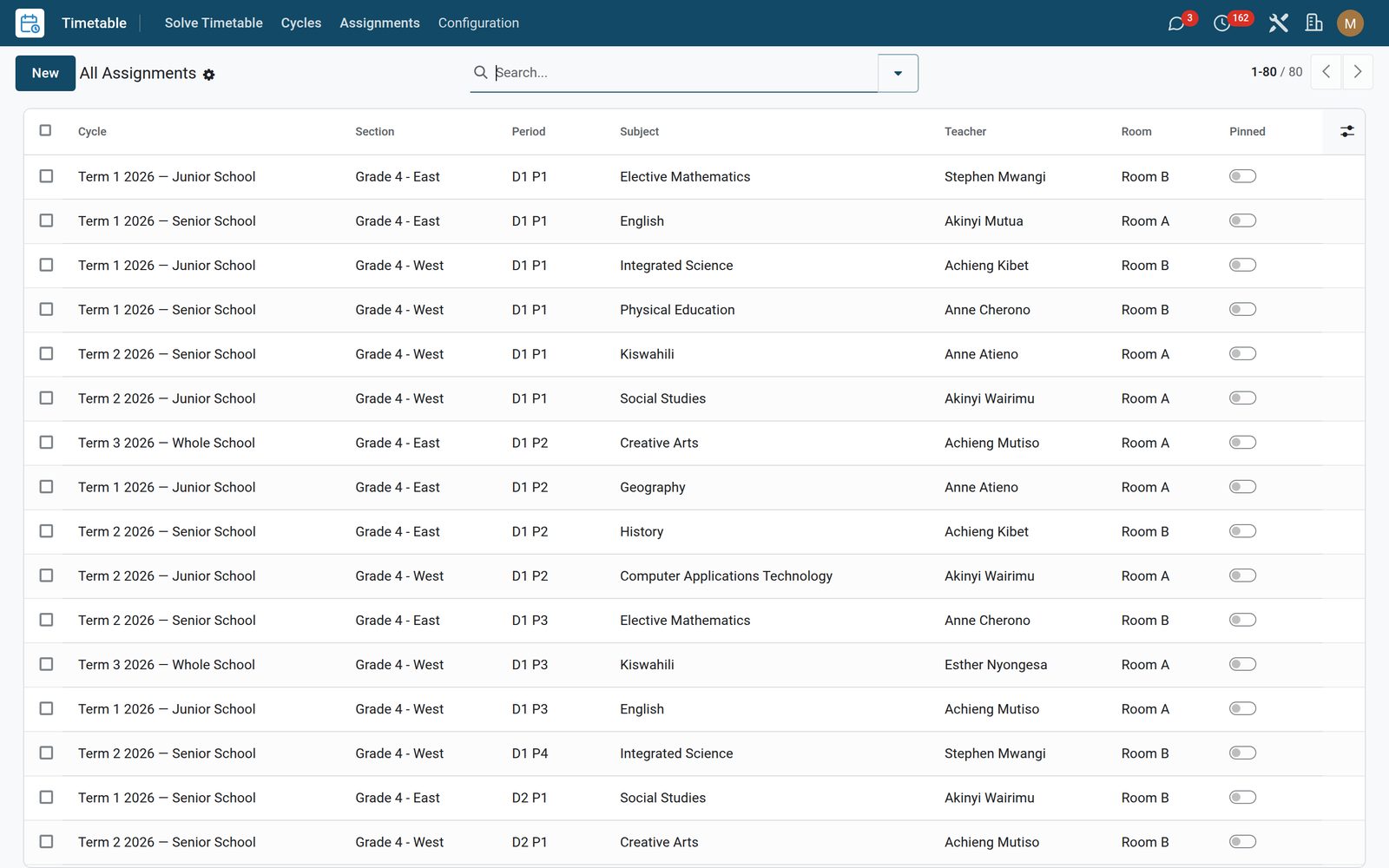
The master schedule, period by period

The output is one assignment per period: the class, the subject, the teacher and the room, all four consistent with each other across the whole school. Filter it by teacher for a personal timetable, by room for a utilisation picture, or by class for the grid that goes on the wall.

Timetable: The master schedule, period by period
05

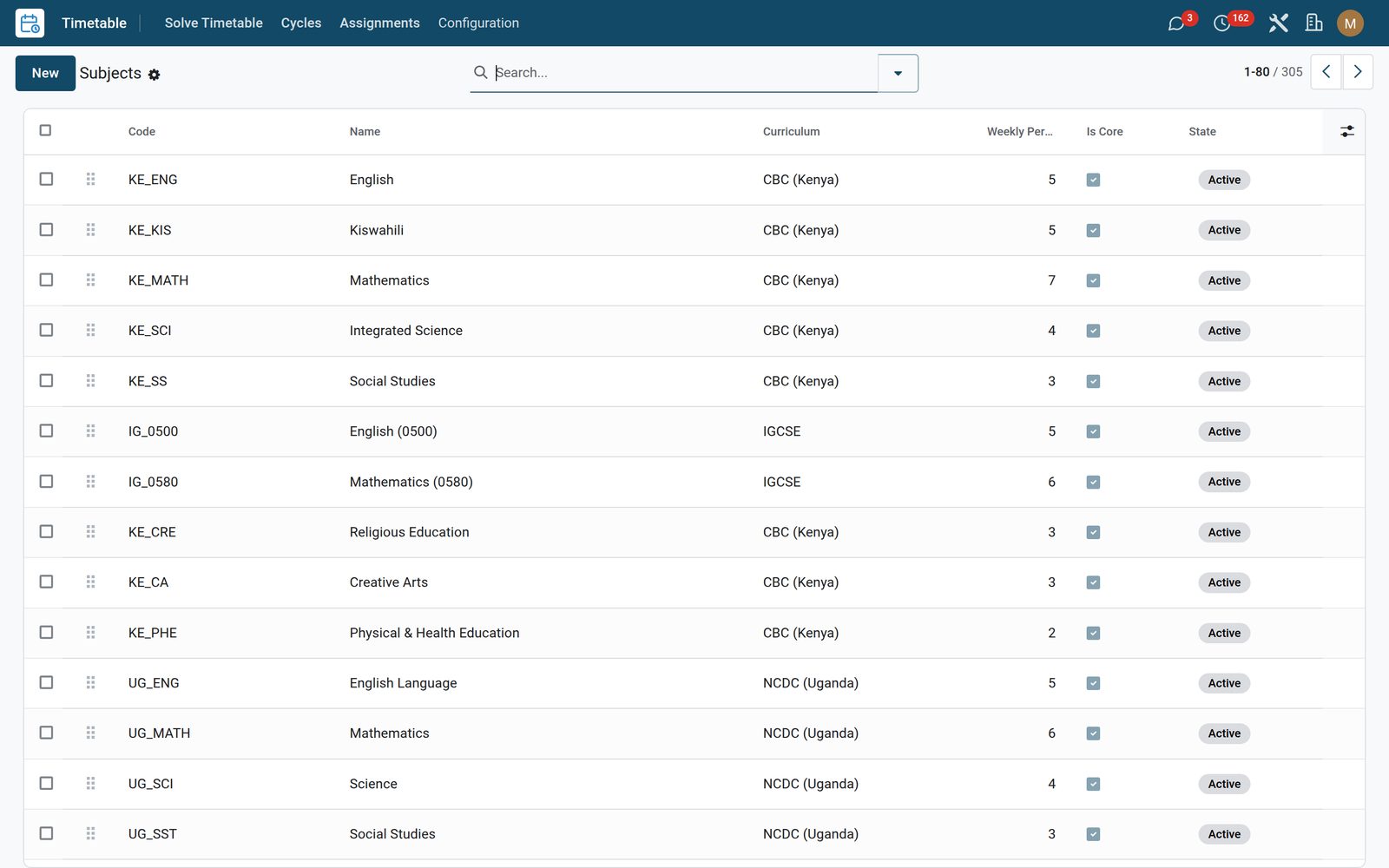
Subjects

Subjects with curriculum, weekly periods and whether they are core.

Timetable: Subjects

What's inside

Everything in Timetable

24 items in 7 areas, every one shipping with the app today.

  • A scheduler that does the hard part for you.

    • One-click CSP auto-solveThe scheduling engine fills the whole grid — press Solve and a step ceiling keeps it fast.
    • Real hard and soft rulesNo teacher, room or section double-booked; room type and capacity respected; even spread and double-periods as soft goals.
    • Conflict reportClashes, unavailable teachers, over-capacity rooms and under-scheduled subjects are listed by severity — nothing hides.
    • Pin & re-solveLock the slots you like, then re-run — the solver keeps pinned assignments and reshuffles only the rest around them.
  • What it keeps

    • Timetable Period
    • Timetable Assignment
    • Timetable Requirement
  • What it configures

    • Timetable Room
    • Teacher Availability
    • Timetable Cycle
    • Room FeatureKept entirely within this app.
    • Timetable Conflict
    • Timetable CSP SolverKept entirely within this app.
  • Scheduling & Analytics

    • Cycles
    • Rooms
    • Assignments
    • Teacher Availability
    • Settings
  • Roles it ships

    • Timetable Manager
    • Feature: Teacher Availability
  • Guided assistants

    • Solve Timetable
    • EduPrime Adaptive Institution Settings
  • More in this app

    • The cycle your school actually runsA cycle defines the shape of the week or fortnight: the days, the periods in each day, and the term it applies to. Schools that run a six-day cycle or a two-week rotation are not an afterthought here — the cycle is the object everything else is solved against.
    • Rooms allocated without a clashEvery room carries its capacity and what it is fit for, so a class of forty is not put in a room for twenty-five and a practical is not scheduled somewhere without benches. The engine treats the room as a resource with rules rather than as a label on a line.

Put Timetable to work

Add it to your EduPrime plan, priced per student, or start a free trial and see it running first.