





School Shop: Uniform and stationery till linked to student accounts

+$2.96/mo at 500 students. Free instant access, no credit card required.

Works with
  • EduPrime Core
School Shop in the EduPrime: Uniform and stationery till linked to student accounts
01

Stock that knows it belongs to a school

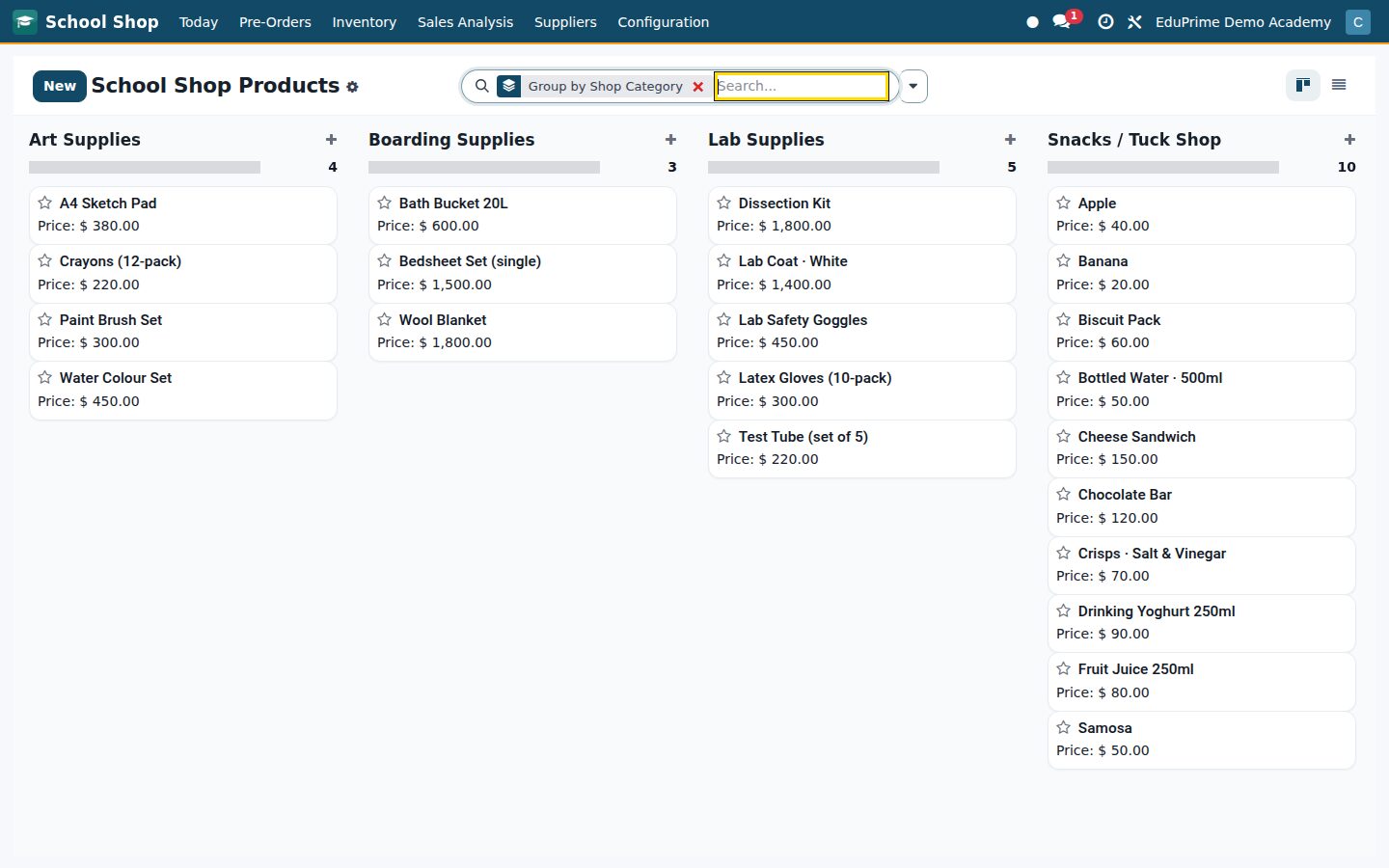
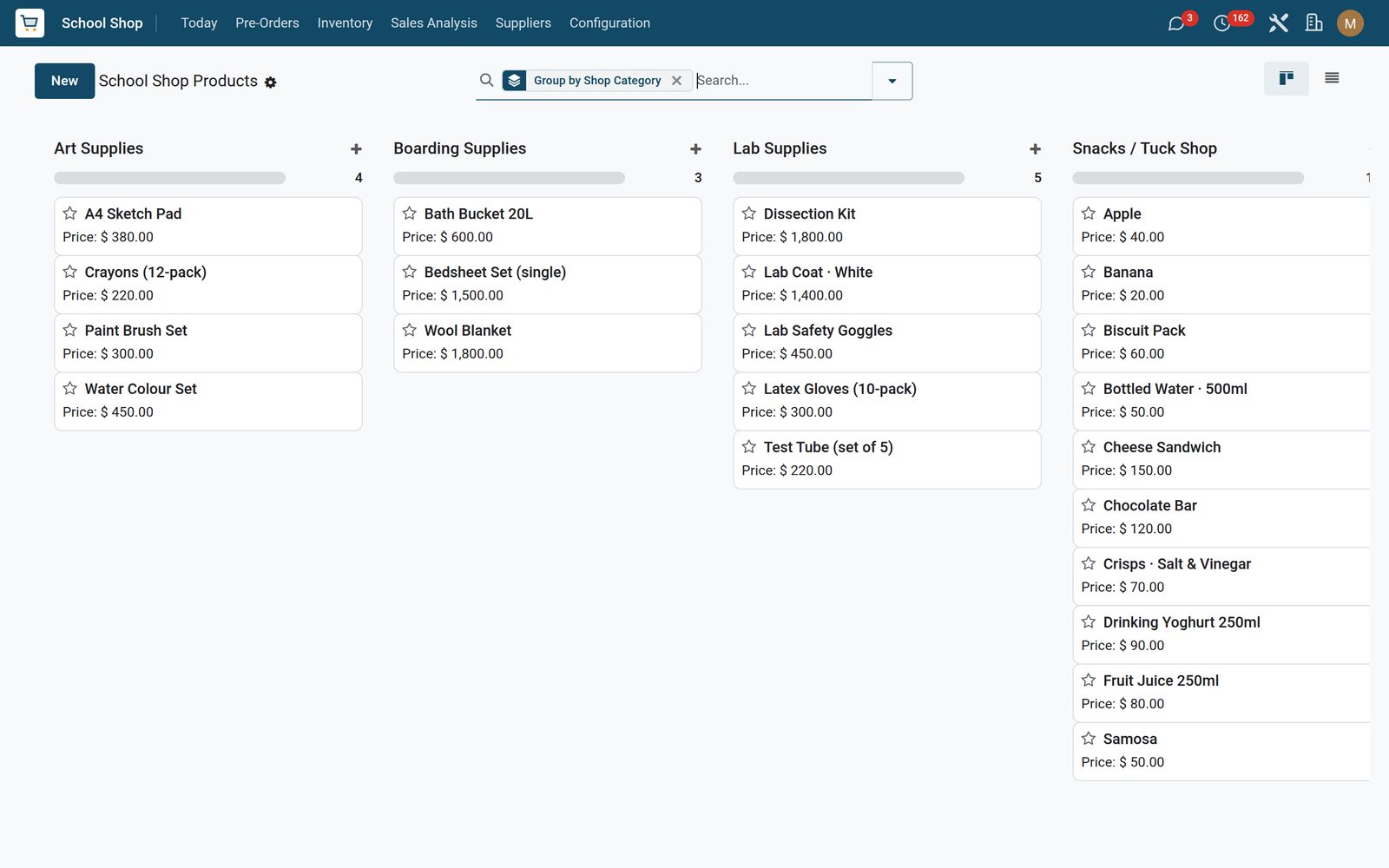
Every item carries a school shop category — uniform, stationery, textbook, sports gear, tuck shop, lab, art, boarding or misc — and, where it matters, a uniform size, a boys / girls / unisex tag, the subject a textbook covers and the eligible classes it is sold to. Saved filters for uniform, stationery, textbook, sports and tuck-shop lines, plus a group-by shop category, keep a thousand lines readable. They stay ordinary products, so Inventory, stock moves, reordering rules and Purchase orders all work on them unchanged — the app puts those menus one click away.
School Shop: Stock that knows it belongs to a school
02

The sale goes on the fee account, not in the drawer

Pick the Charge to Student Fees payment method and nothing hits the cash drawer. Validation writes a new fee line onto the student’s most recent open fee assignment — draft, invoiced or partly paid — under a seeded SHOP fee category, stamped with the POS reference. The family settles it on their normal fee statement. An order paid this way cannot validate without a student: the till blocks it at the payment screen, and on a register set to require a student the order is refused as well. Charge-to-Fees Outstanding lists every shop charge riding on a fee account — assignment, category, amount and POS reference on each line, with the amount column summed — so accounts can trace a balance back to the exact receipt.

School Shop: The sale goes on the fee account, not in the drawer
03

Parents order the uniform before term starts

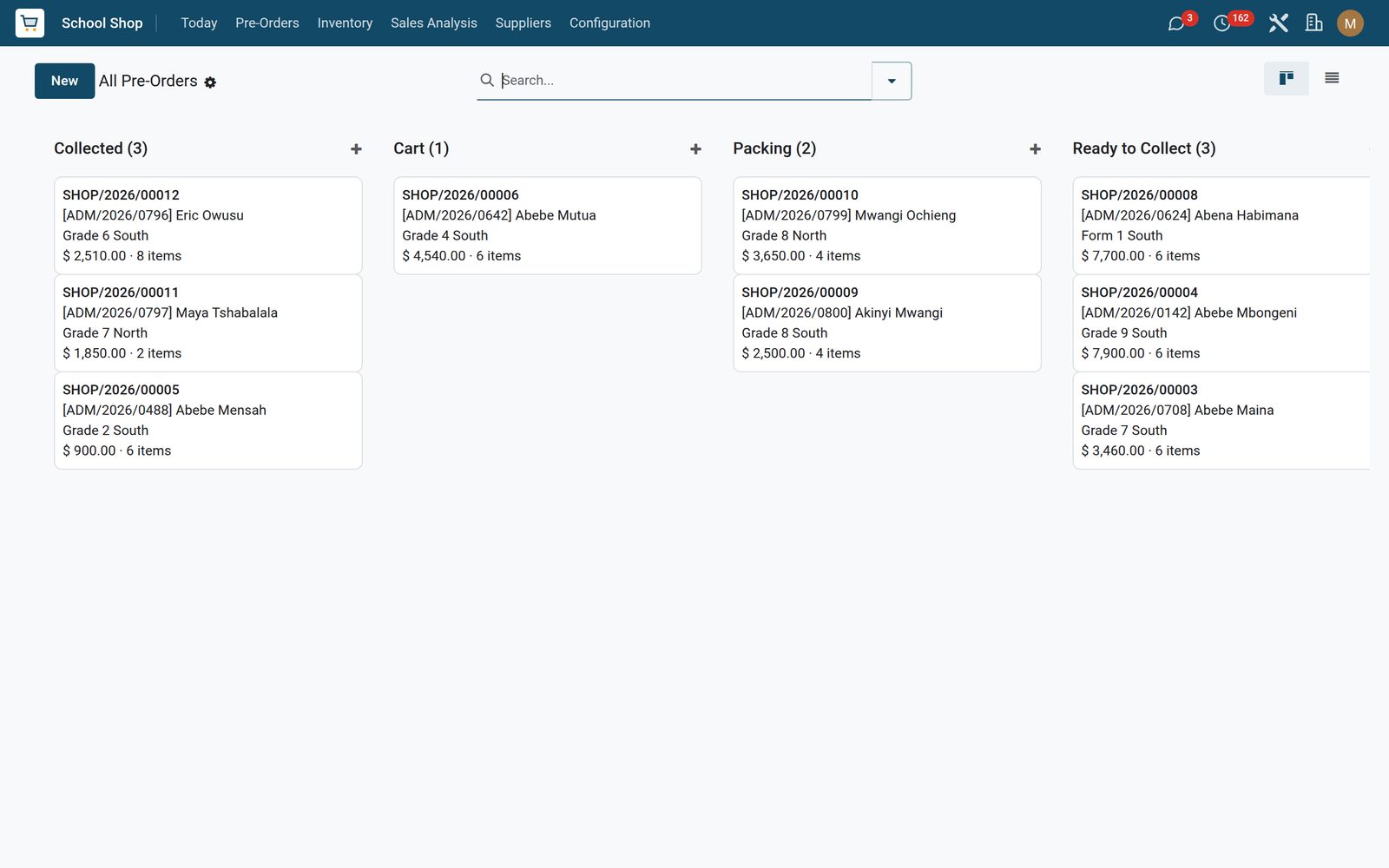
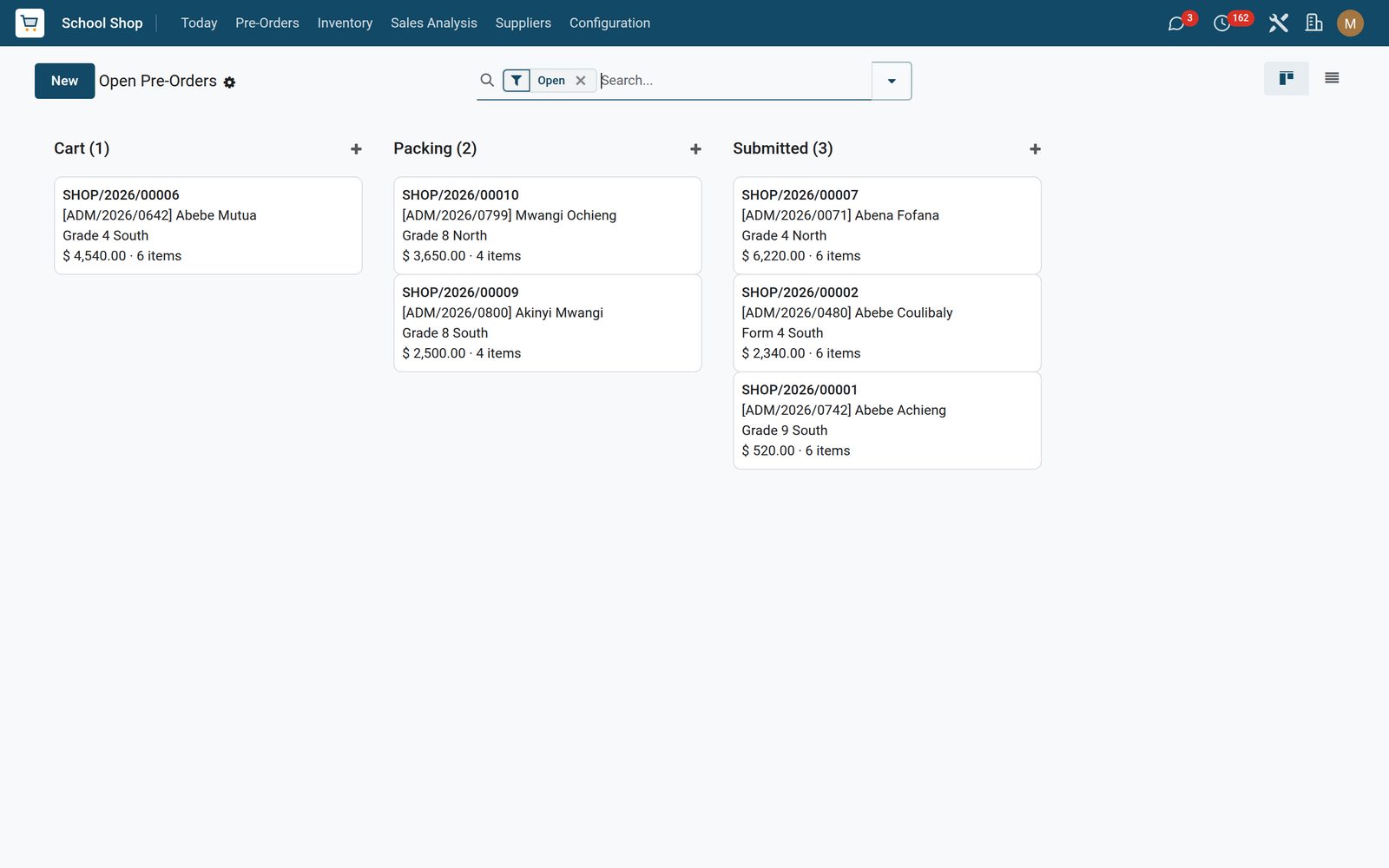
Guardians sign in to the portal, find School Shop on their home page and get one catalogue per child they actually guard — the guardian check runs on every page that touches a child, so nobody shops for another family’s child. They browse by category, build a cart, add a note and submit. That cart is a real pre-order with its own SHOP/<year>/00001 reference, a message thread for the shop office and a portal receipt page the family can reload for live status. The shop watches the queue arrive: Open Pre-Orders covers cart, submitted and packing, and All Pre-Orders rolls the whole book up by stage — the order count, item total and value of every stage on one screen, as a list or a kanban.

School Shop: Parents order the uniform before term starts
04

Packed, ready, waiting at the counter

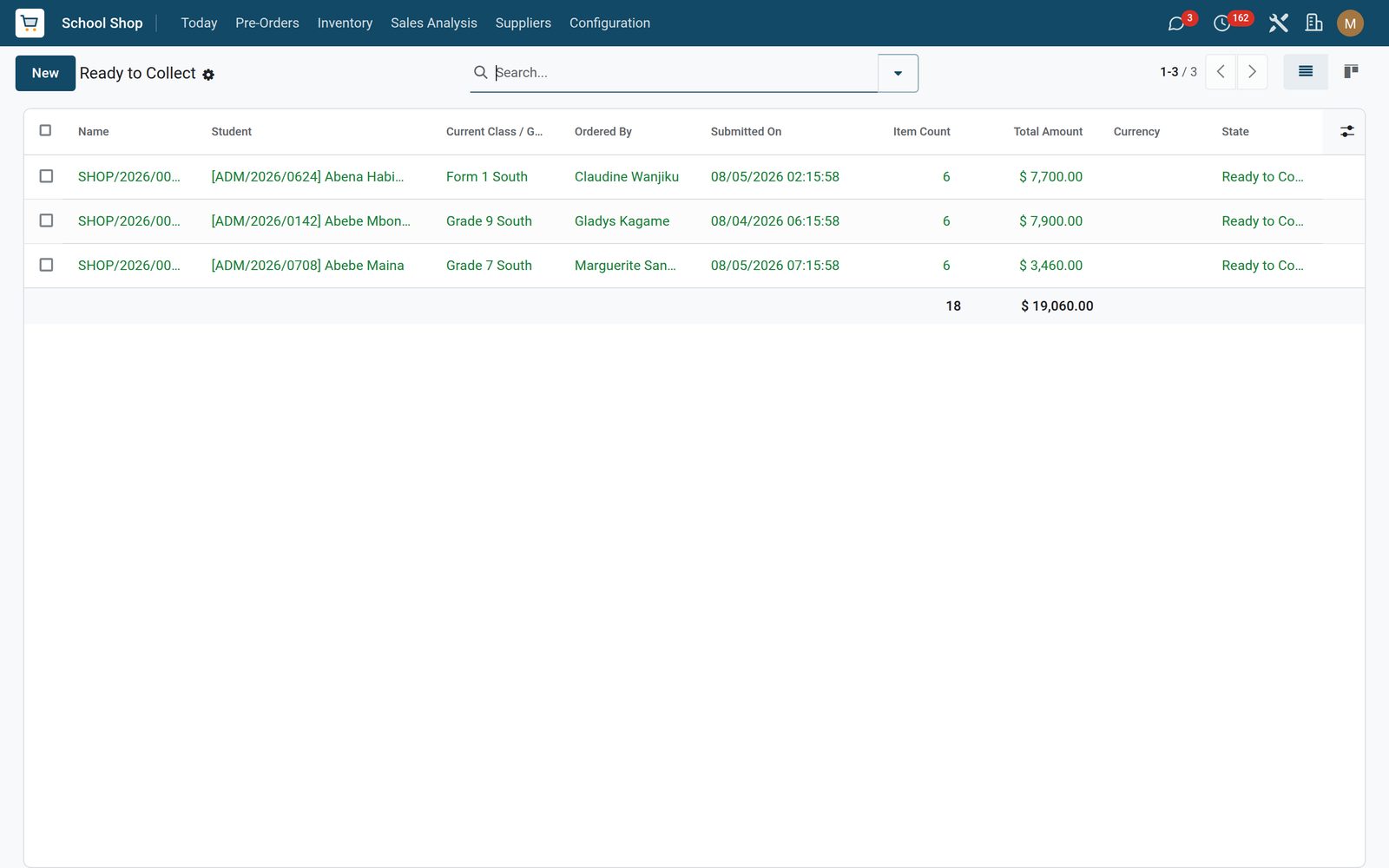
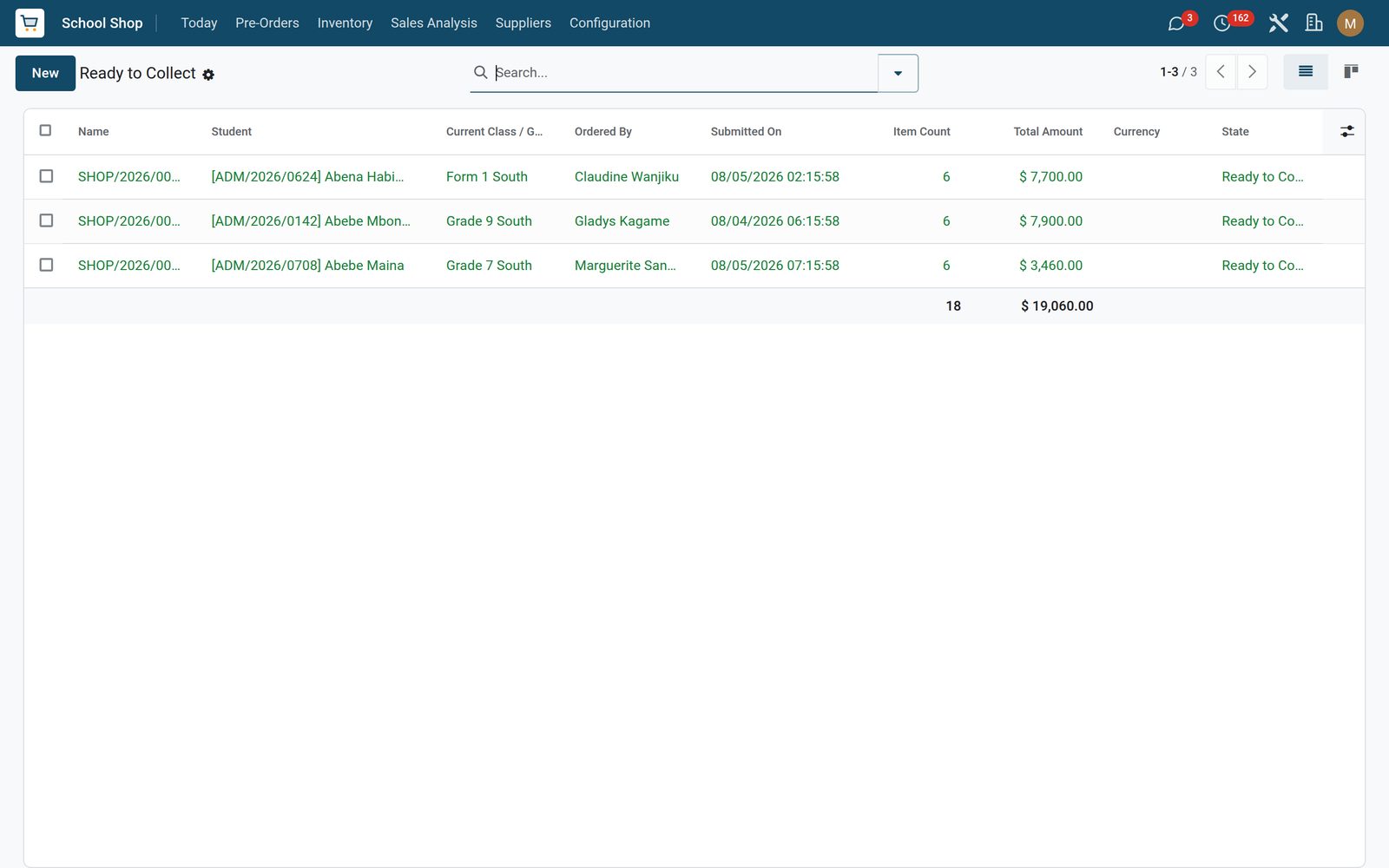
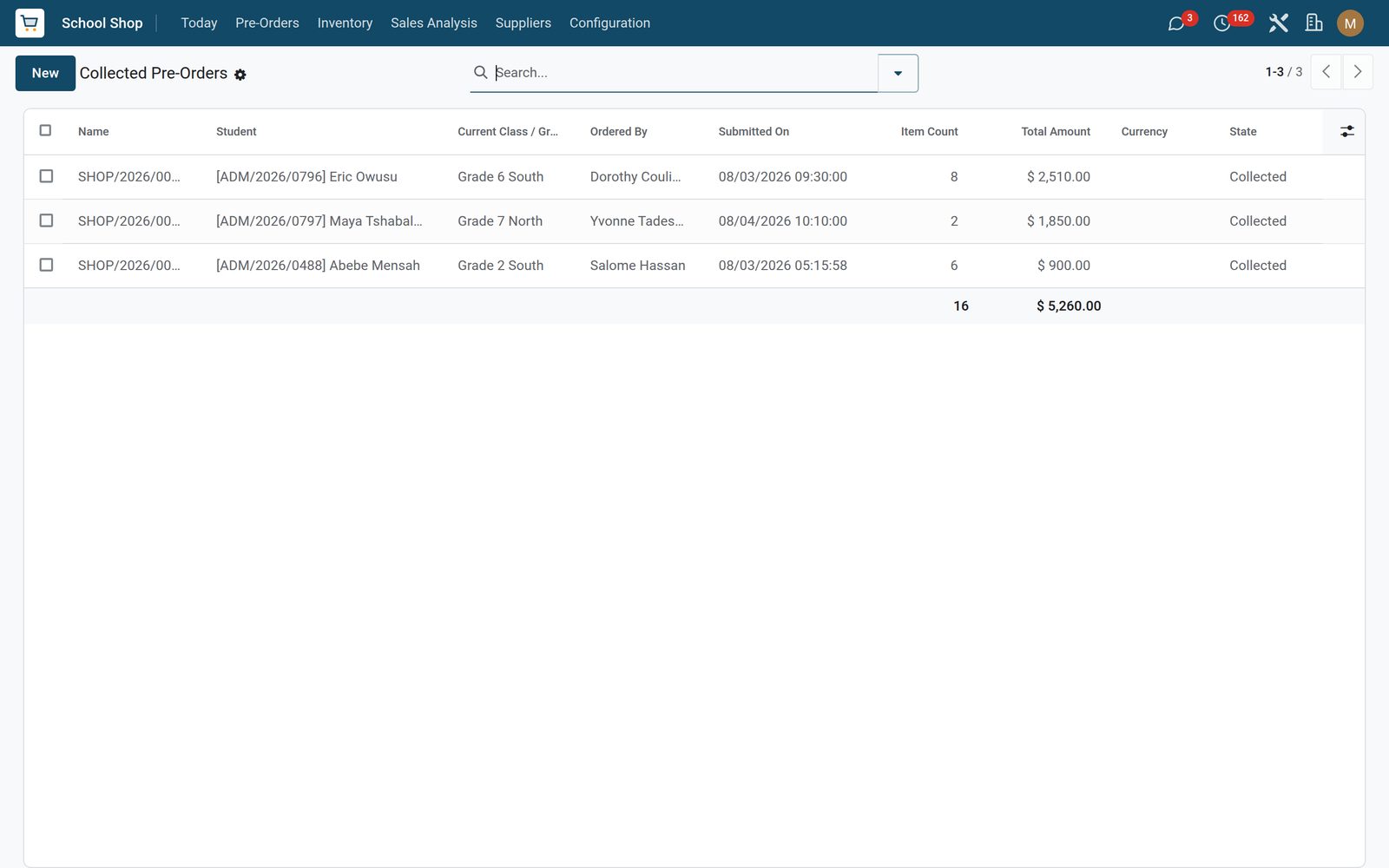
The counter walks an order Submitted → Packing → Ready to Collect from the pre-order’s own status bar, and both hops are stamped — Submitted On and Ready Since. Marking it ready posts a dated notice on the order’s history naming the child and the pickup register, so the shop office has the whole history on the record. Ready to Collect is the pickup shelf, with the family, the class, the item count and the value on every line; Collected Pre-Orders keeps the finished ones out of the queue. Cancelling and re-opening a cart are one click each, and every stage change is tracked.

School Shop: Packed, ready, waiting at the counter
05

A whole class kitted out in one pass

Start of year, the hard part. Pick a class and the Bulk Uniform wizard counts the active students in it for you. Declare the items and quantities — the picker only offers uniform and sports products, so nobody bulk-orders crisps — and generate. Every active student in that class gets a submitted pre-order of their own, and with Auto-Charge to Fees left on, each one also posts its total straight onto that student’s open fee assignment and logs it on the order thread. The wizard hands you the generated list to pack from.

School Shop: A whole class kitted out in one pass
06

Pre-Orders Pending Pickup

Pre-orders ready to collect today.

School Shop: Pre-Orders Pending Pickup
07

Collected

Pre-orders already collected.

School Shop: Collected
08

All

All pre-orders as cards by state.

School Shop: All

What's inside

Everything in School Shop

26 items in 9 areas, every one shipping with the app today.

  • Configuration

    • POS Configs
    • Payment Methods
    • Product Categories
    • Tax Rates
    • Bulk Uniform Order
  • Pre-Orders

    • Open
    • Ready to Collect
    • Collected
    • All
  • Inventory

    • Products by Category
    • Stock on Hand
    • Reorder Alerts
    • Stock Moves
  • Sales Analysis

    • Daily / Weekly / Monthly
    • By Category
    • By Payment Method
    • Charge-to-Fees Outstanding
  • Today

    • Today's Sales
    • Pre-Orders Pending Pickup
  • Suppliers

    • Purchase Orders
  • Roles it ships

    • Shop Cashier
    • Shop Manager
  • Guided assistants

    • Bulk Uniform Pre-Order Wizard
    • Bulk Uniform Wizard Line
  • More in this app

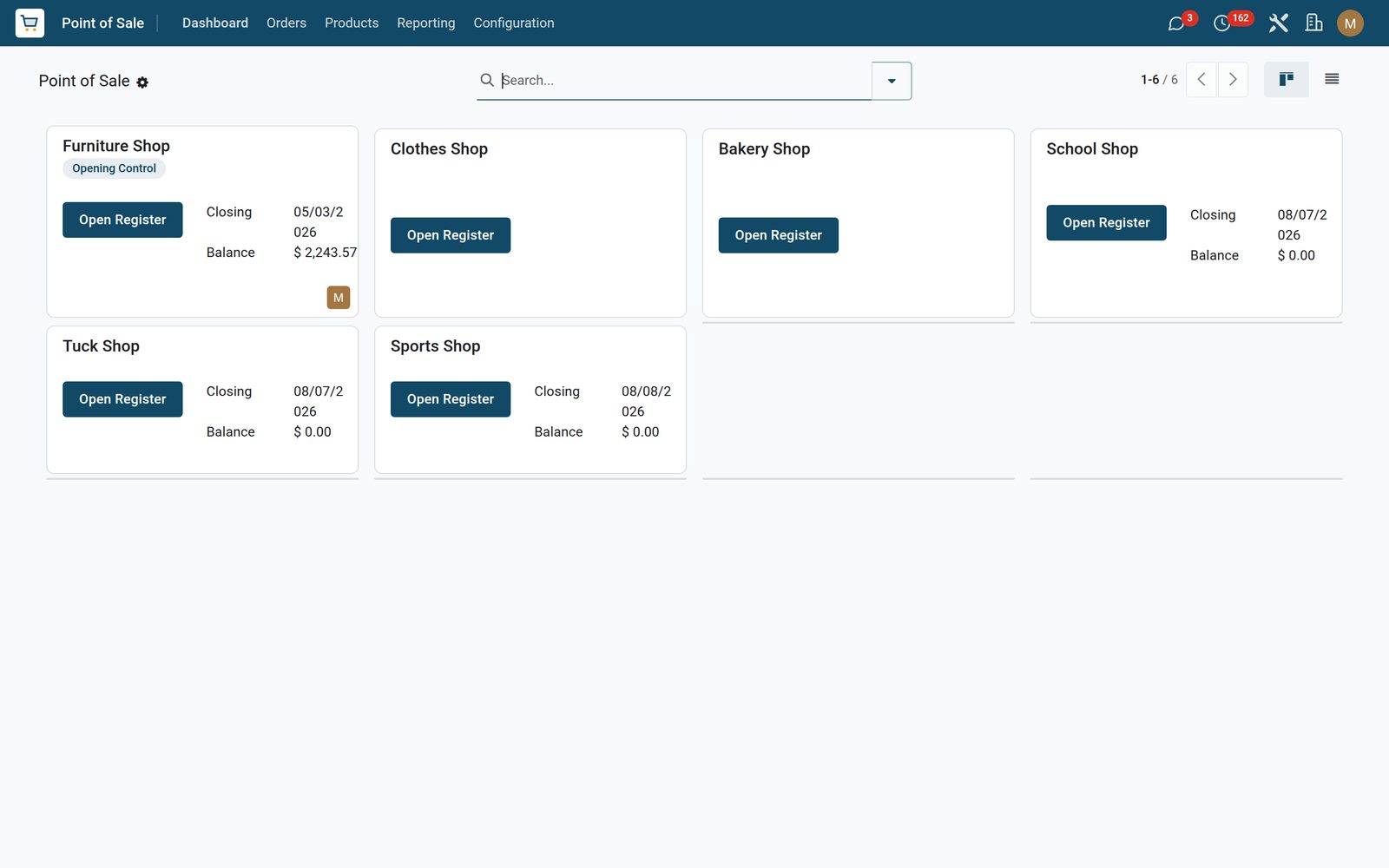
    • Three tills, configured before you log inSchool Shop, Tuck Shop and Sports Shop install as working POS registers, each limited to its own aisles and each carrying its own require-a-student setting — on for the School Shop, off for the Tuck Shop. At the counter the cashier scans the student badge: the scan attaches the child to the order and sets that child’s linked contact as the customer, with no typing. Every finished order then keeps the student and the class on it, so the day’s takings can be searched, filtered and grouped by either.
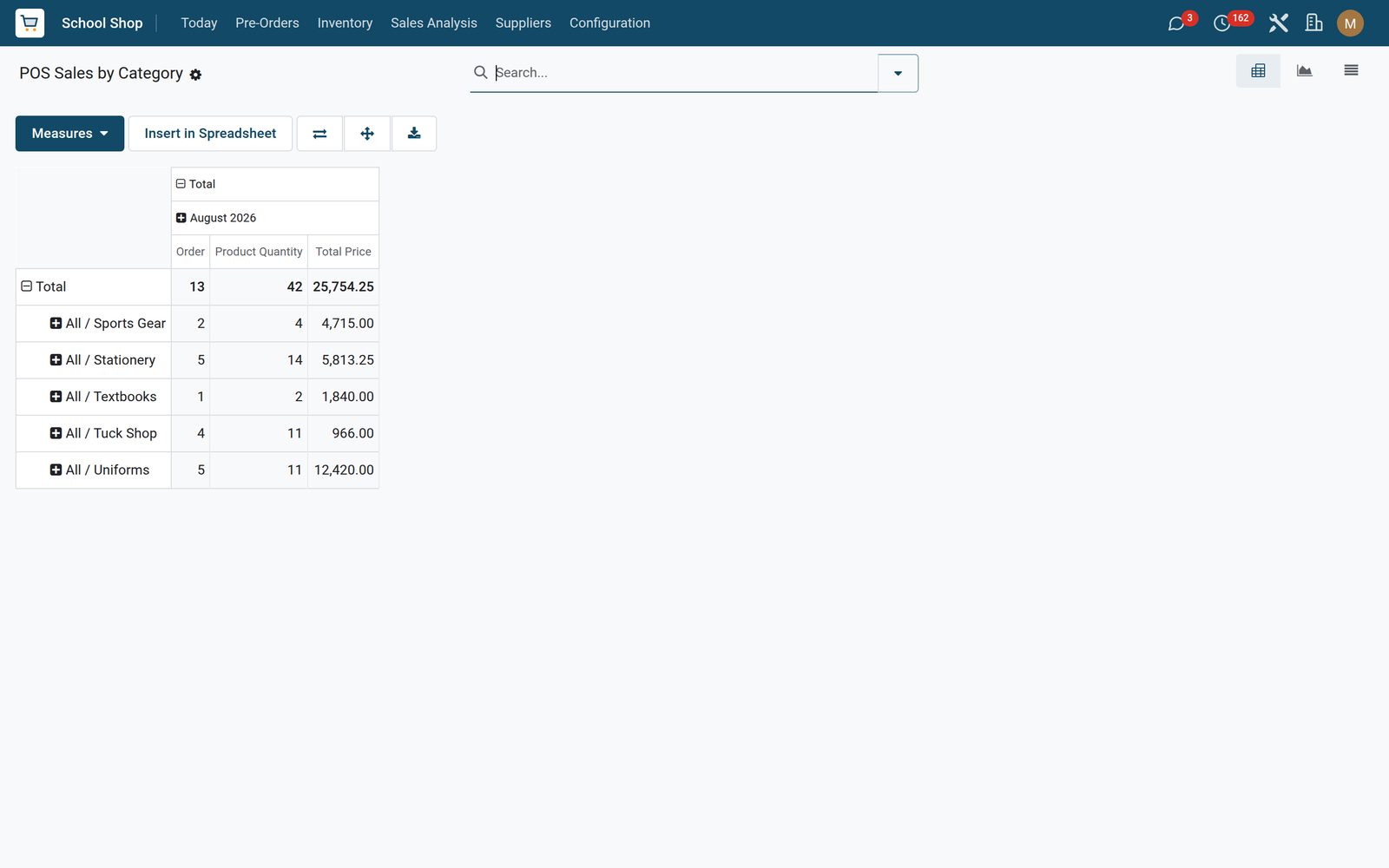
    • Close the day, then find out what actually sellsThe Z-Report pivots today’s orders by session and cashier on order value, so whoever closes can reconcile before the drawer is counted. Best Sellers opens with value and quantity as its measures and Sales by Category gives you the same sales as pivot, graph or list — group by product, product category or cashier and filter to any period, which is how you find the blazer size you keep running out of and the tuck-shop line nobody buys.

Put School Shop to work

Add it to your EduPrime plan, priced per student, or start a free trial and see it running first.