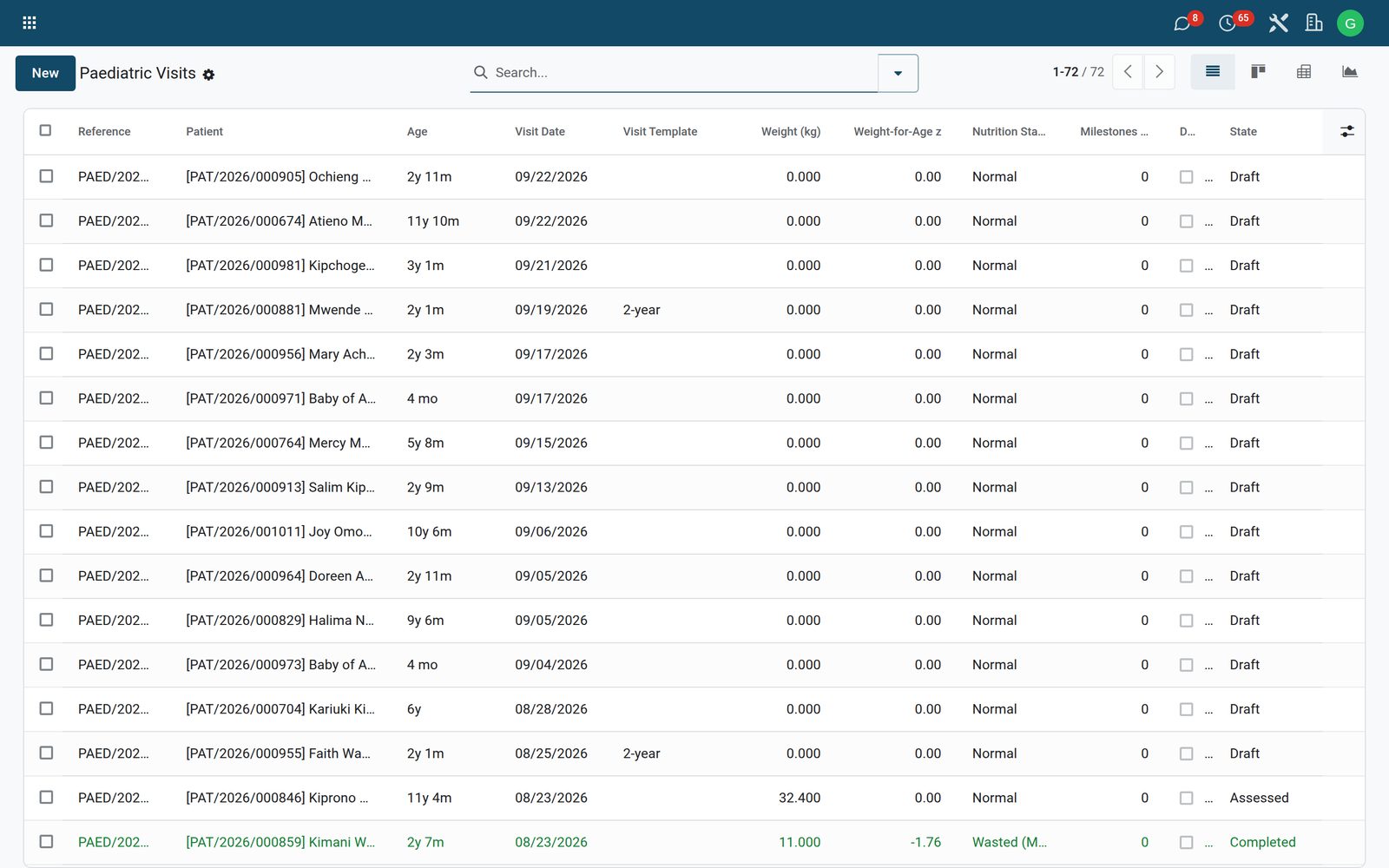






Paediatrics: Growth charts, immunisation schedules and paediatric dosing

Well-child visits, growth charts, immunization schedule, developmental milestones, IMNCI

+$19.20/mo at 20 practitioners. Free instant access, no credit card required.

Works with
  • HMS Core
Paediatrics in the Bridge HMS Suite: Growth charts, immunisation schedules and paediatric dosing
01

Every dose given, every defaulter traced

Today's vaccinations and all vaccinations against the national schedule, children due, defaulters to trace and outreach sessions.
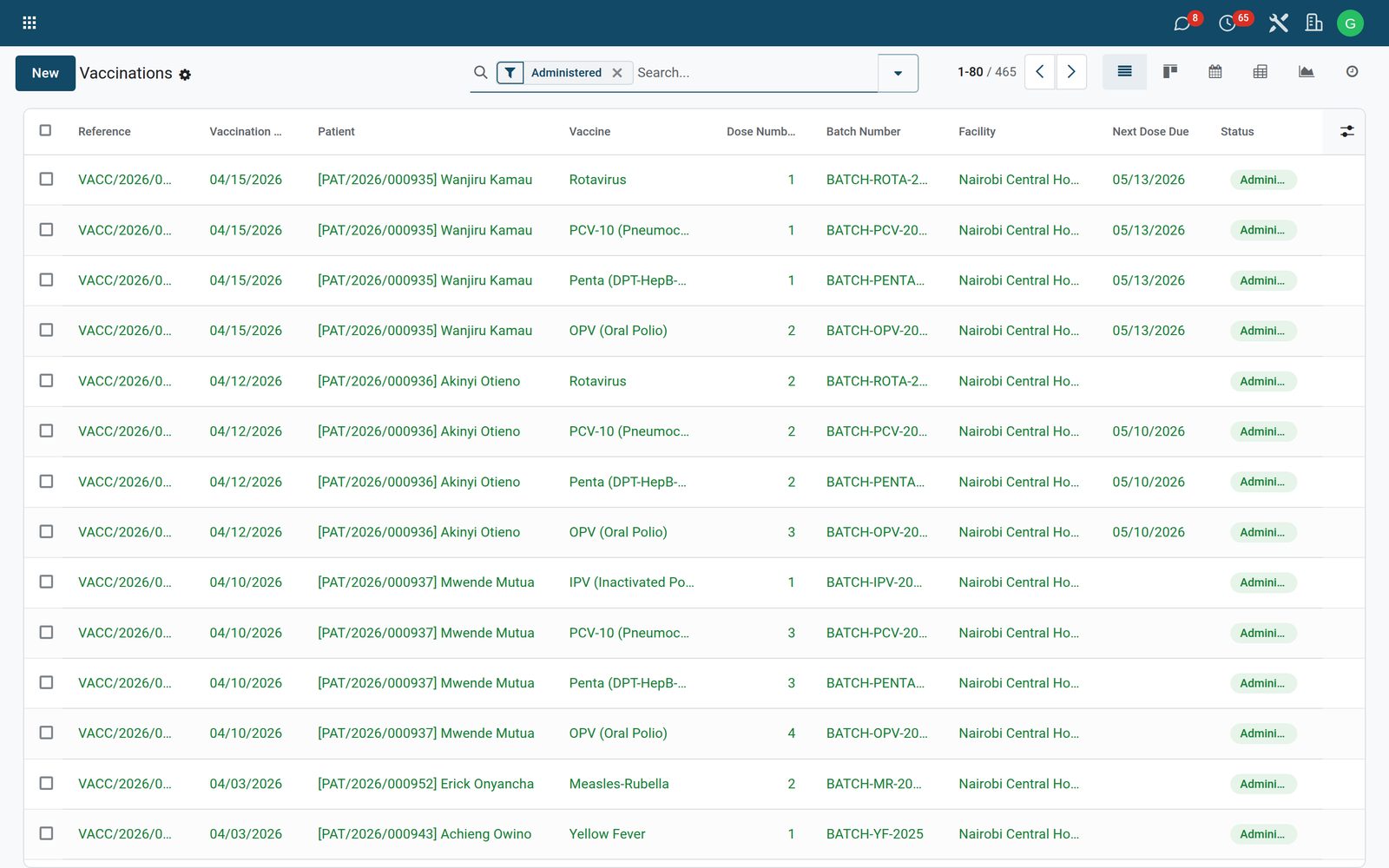
Paediatrics: Every dose given, every defaulter traced
02

Safety and the cold chain

AEFI reports for any adverse event, vaccine refrigerators, twice-daily temperature logs and excursions acted on.
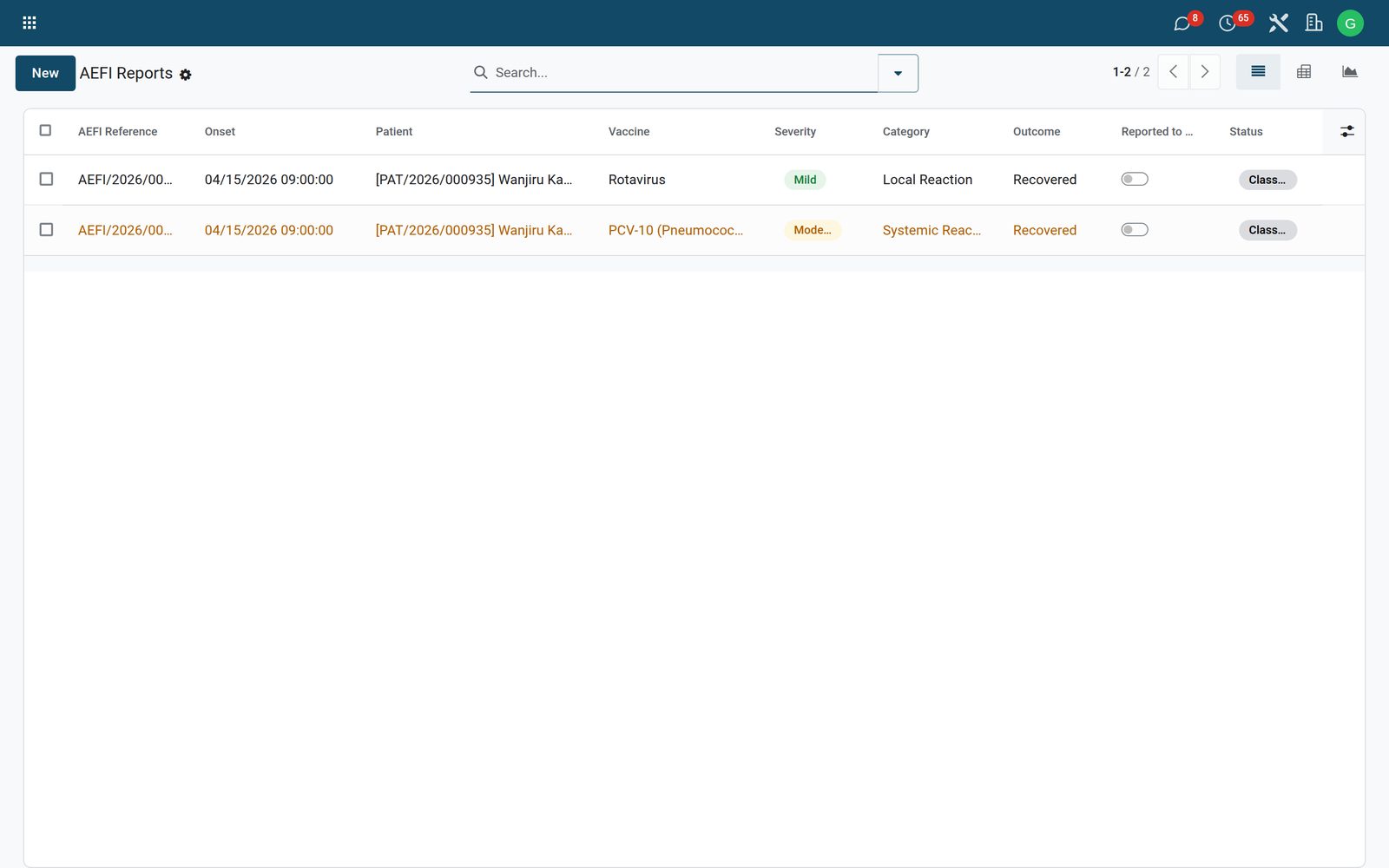
Paediatrics: Safety and the cold chain
03

Coverage the programme reports

Coverage reports by antigen and area and the defaulter analysis.
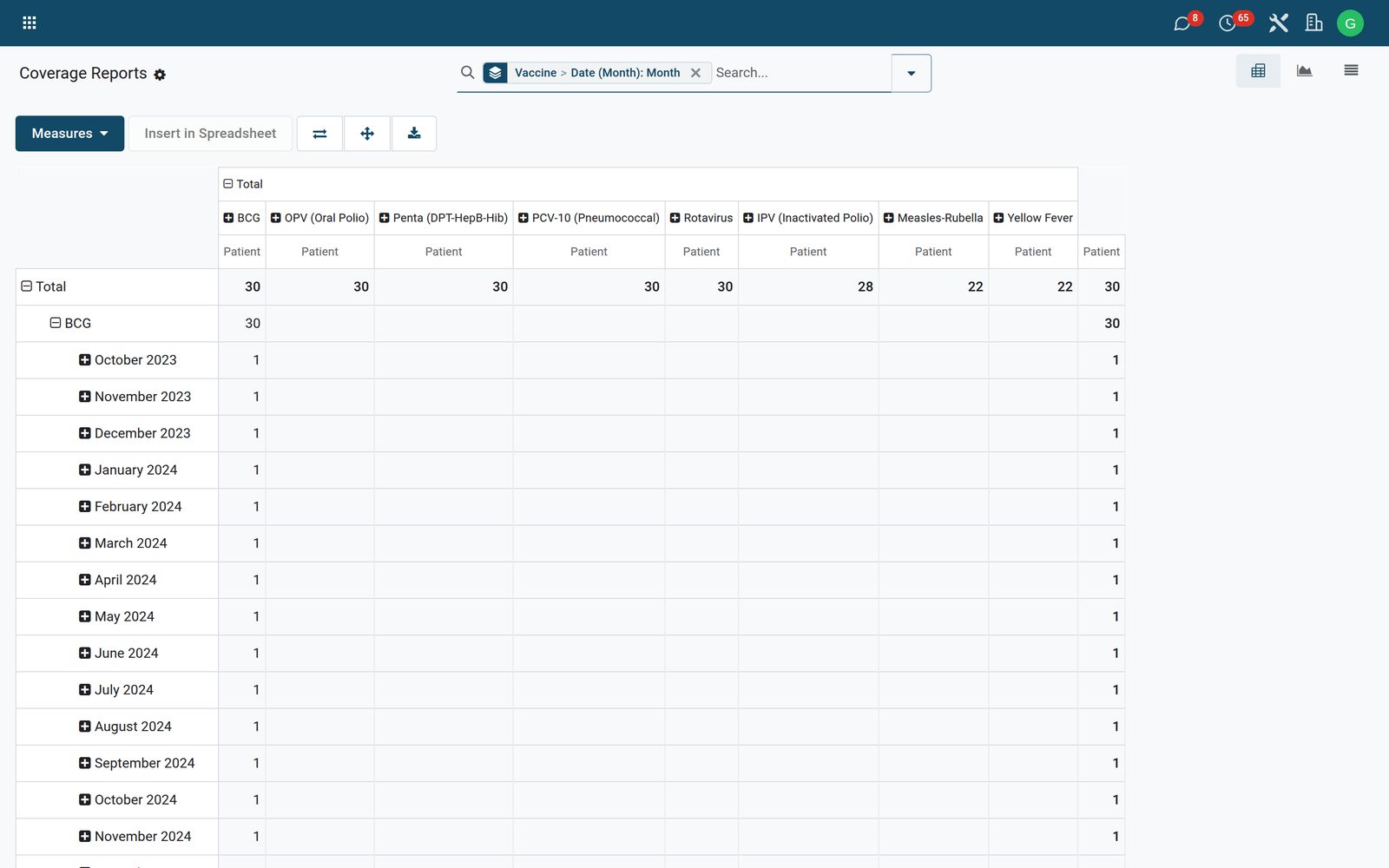
Paediatrics: Coverage the programme reports
04

Schedules and dose protocols

The immunisation schedules and dose protocols per vaccine.
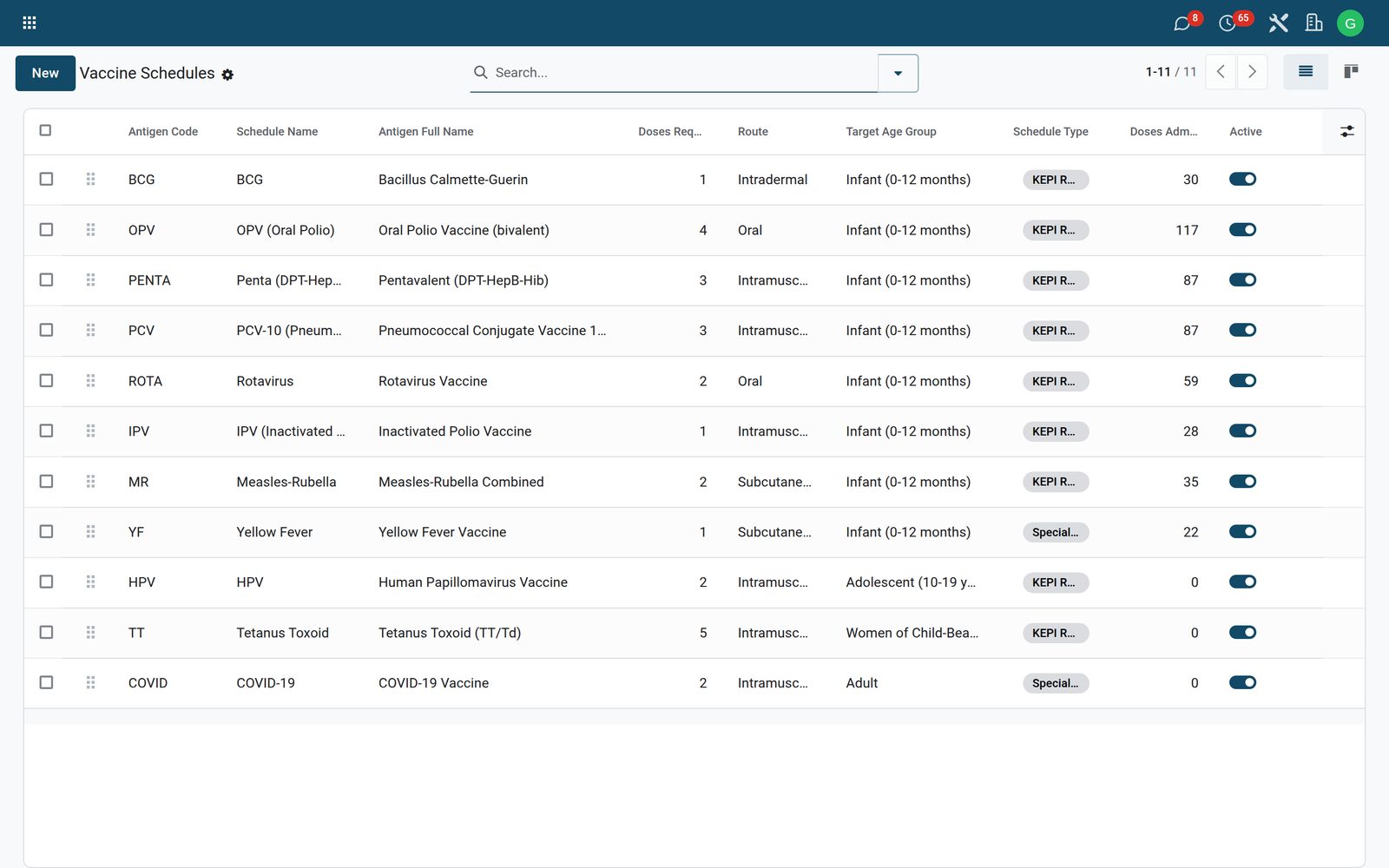
Paediatrics: Schedules and dose protocols

What's inside

Everything in Paediatrics

61 items in 15 areas, every one shipping with the app today.

  • Well-Child Visits

    • Pediatric Visit RecordsDedicated well-child visit record capturing patient, DOB, visit date, physician and facility with mail thread tracking and activities.
    • Auto Visit Reference NumberingEvery visit gets a unique sequence-generated reference in the PAED/<year>/NNNNN format automatically on creation.
    • Automatic Age ComputationAge is computed in months and as a friendly label (e.g. '9 mo', '2y 3m') from the patient DOB relative to the visit date.
    • Visit Workflow Status FlowVisits move through Draft, Vitals Recorded, Assessed, Completed and Canceled states via header buttons enforced by a status bar.
    • Record-Vitals GuardThe Record Vitals action refuses to advance a visit until at least a weight or height has been entered.
    • Completion Guard for Follow-upsCompleting a visit is blocked until a next-visit date is set whenever follow-up has been flagged as required.
  • Vitals & Anthropometry

    • Full Anthropometry CaptureRecords weight (kg), length/height (cm) and head circumference (cm) with clinical-grade decimal precision.
    • Automatic BMI CalculationBMI is computed automatically from the recorded weight and height on every visit.
    • Vital Signs PanelCaptures temperature, pulse, respiratory rate and SpO2 alongside the growth measurements.
    • Feeding Status TrackingClassifies infant feeding as exclusive breastfeeding, mixed, complementary, weaned or N/A for nutrition follow-up.
  • WHO Growth Standards & Nutrition

    • WHO Z-Score EngineComputes weight-for-age, height-for-age, BMI-for-age and head-circumference-for-age z-scores using the WHO LMS method.
    • LMS Interpolation FallbackWhen an exact age row is missing, z-scores are derived by linear interpolation between the nearest lower and upper WHO reference ages.
    • Seeded WHO Reference TablesShips WHO Child Growth Standards LMS parameters (weight/height/BMI/HC by sex and age) as installable reference data.
    • Automatic Nutrition ClassificationDerives a nutrition status of normal, underweight, stunted, wasted, SAM, overweight or obese from the computed z-scores.
    • SAM/Underweight AlertingVisits and growth points flag severe acute malnutrition and underweight cases through dedicated filters and red list decorations.
    • Longitudinal Growth HistoryEach scored visit auto-creates a growth measurement point, building a per-patient chart history over time.
  • Developmental Milestones

    • CDC/WHO Milestone CatalogMaintains a catalog of developmental milestones across gross motor, fine motor, language, social and cognitive domains.
    • Seeded Milestone LibraryShips CDC/WHO milestones at common ages from social smiling at 2 months to stating name and age at 5 years.
    • Expected & Red-Flag AgesEach milestone stores the age most children achieve it and the age at which its absence becomes a developmental red flag.
    • Per-Visit Milestone AssessmentVisits record achieved, emerging, not-achieved or not-tested results for each assessed milestone.
    • Automatic Red-Flag DetectionAssessment lines automatically raise a red flag when a child is past the red-flag age and the milestone is unmet or untested.
    • Milestone Statistics RollupEach visit tallies milestones met, due and red-flagged for quick developmental screening at a glance.
  • IMNCI Triage

    • IMNCI Danger-Sign TriageRecords IMNCI signs such as cough, diarrhea, fever, convulsions, chest indrawing, stridor and cyanosis per visit.
    • Severity GradingEach triage sign is graded mild, moderate, severe or emergency to prioritize care.
    • Recommended Action CodingTriage lines capture the recommended action: home care, treat at clinic, refer urgently or admit.
    • Automatic Danger-Sign FlagA visit is automatically flagged for danger signs whenever any triage line is graded severe or emergency.
    • Color-coded Triage ListThe IMNCI triage list highlights severe/emergency signs in red and moderate signs in amber.
  • Deworming & Vitamin A

    • Deworming/Vitamin-A SchedulingSchedules albendazole, mebendazole and Vitamin A (100k/200k IU) interventions with due dates per patient.
    • One-Click Mark GivenA list button marks an intervention as given and stamps today's date in a single click.
    • Dose Status TrackingTracks each intervention as due, given, missed or deferred with the administering nurse recorded.
    • Color-coded Deworming ListDue doses show amber, missed doses red and given doses green for at-a-glance campaign monitoring.
  • Visit Templates (Bright Futures)

    • Bright Futures Visit ScheduleShips the full Bright Futures well-child schedule from newborn through 18-year transition as reusable visit templates.
    • Age-Banded TemplatesEach template defines a min/max age band in months so the right visit protocol maps to the child's age.
    • Template Expected MilestonesTemplates can be linked to the milestones expected at that age band via a many2many tag selector.
  • Dashboards & Reporting

    • Pediatrics DashboardA dashboard action opens graph, pivot, kanban and list views pre-filtered to the last 7 days and grouped by nutrition status.
    • Visit Pivot AnalysisA pivot view cross-tabulates visits by template and nutrition status measuring weight.
    • Visit Trend GraphA graph view charts visit weights by month for volume and growth trend monitoring.
    • Advanced Visit Search & FiltersVisits can be filtered by draft, completed, danger signs, red-flag development, SAM/underweight, today and last-7-days.
    • Visit Group-By DimensionsVisits can be grouped by state, template, nutrition status or physician for caseload analysis.
  • What it keeps

    • WHO Growth Reference LMS
  • What it configures

    • Paediatric Visit Template (Bright Futures style)
    • Paediatric Well-Child Visit
    • Developmental Milestone (CDC/WHO)
    • Paediatric Growth Measurement (chart point)
    • Deworming / Vit-A Schedule
    • Milestone Assessment Line
  • What it configures (continued)

    • IMNCI Triage Sign
  • Clinical

    • Dashboard
    • Visits
    • Visit Templates
    • Growth Charts
    • Milestone Catalog
    • IMNCI Triage
    • WHO Reference LMS
    • Deworming / Vit-A
  • It runs by itself

    • Paeds: Recompute developmental red flagsRuns daily
    • Paeds: Mark missed deworming/Vit-ARuns daily
  • Roles it ships

    • Paediatric User
    • Paediatric Manager
  • More in this app

    • The well child, measured against WHOThe paediatrics dashboard, well-child visits, growth charts as WHO z-scores, IMNCI triage of the sick child and deworming and vitamin A on schedule.
    • Growth and coverage, analysedVisits, deworming and vitamin A, and growth in pivot and graph.

Put Paediatrics to work

Add it to your Bridge HMS Suite plan, priced per practitioner, or start a free trial and see it running first.