

 Point of Sale
Run a till, a shop and a restaurant floor
Nineteen lessons that take a point of sale from an empty product list to a working restaurant service — pricing, receipts, payments, floor plans, table bookings, split bills and self-ordering kiosks — and a certification exam at the end.
Free to watch. No sign-in, no card.
What you will be able to do
- Build a product catalogue with variants and combos that a cashier can actually use
- Configure receipts, invoicing and the payment methods you take
- Price the same product differently for different customers, and run a promotion
- Send orders to a kitchen or preparation screen
- Sell, refund and turn a walk-in into a quotation
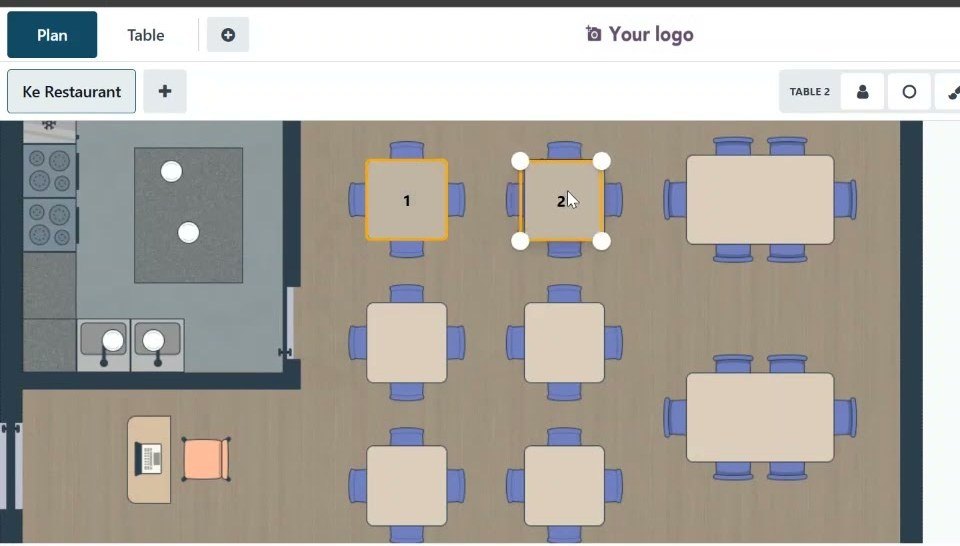
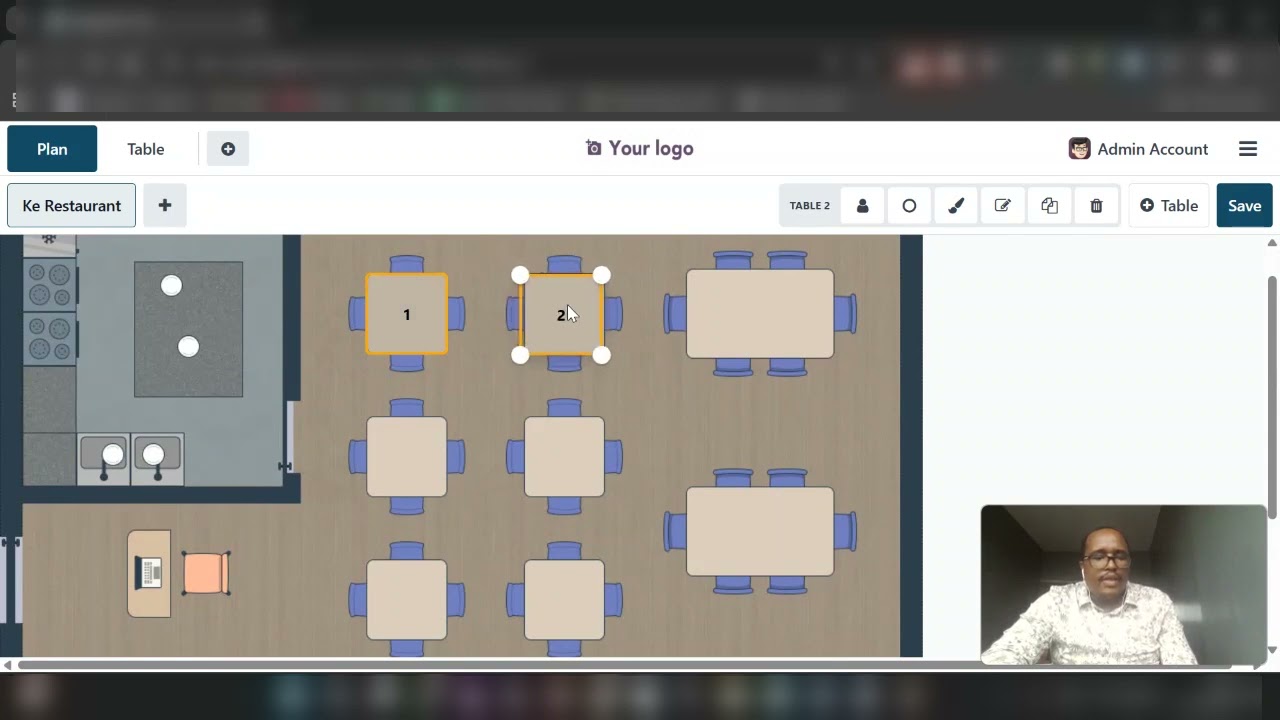
- Lay out a restaurant floor, take and transfer orders, split a bill and open a self-ordering kiosk
- Pass the Point of Sale certification and earn the badge and the certificate
The syllabus
Sections run in order, but every lesson stands on its own. Pick the one that matches the job in front of you.
Product management25 min
POS setup21 min
Sales management24 min
Devices management7 min
Retail practice16 min
Restaurant practice21 min
Certification30 min
What learners say
Recorded on a working system
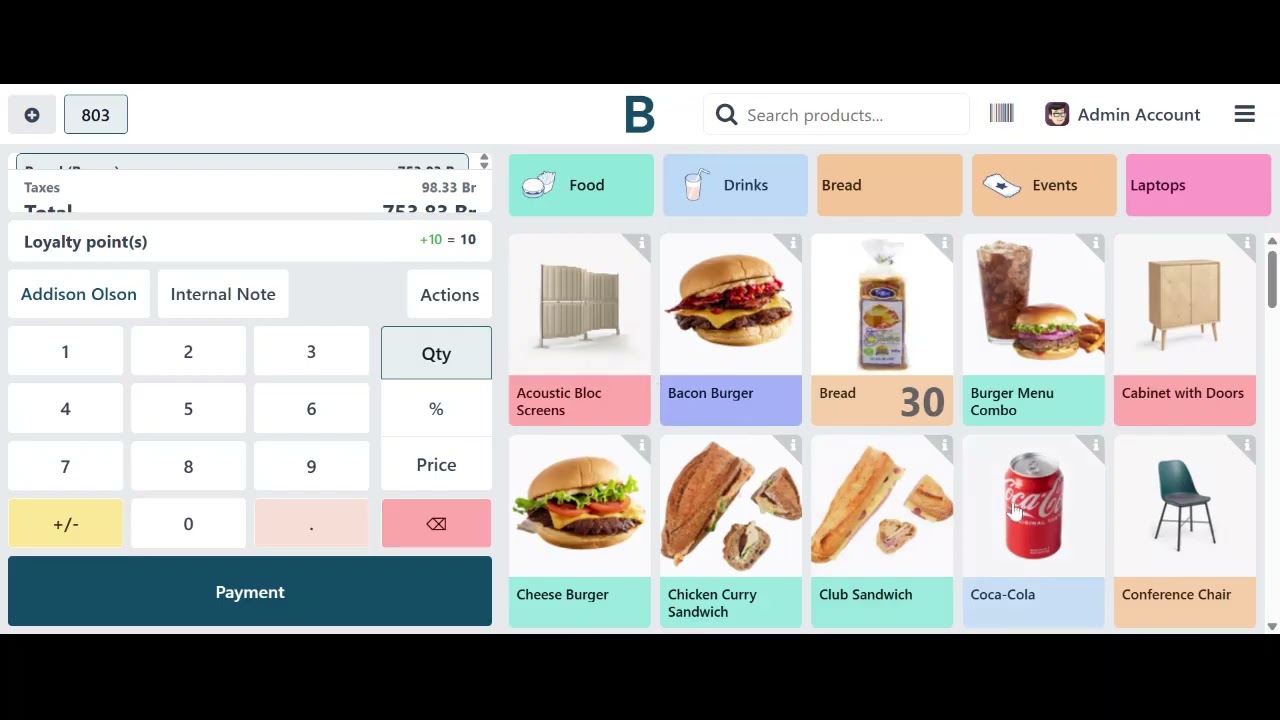
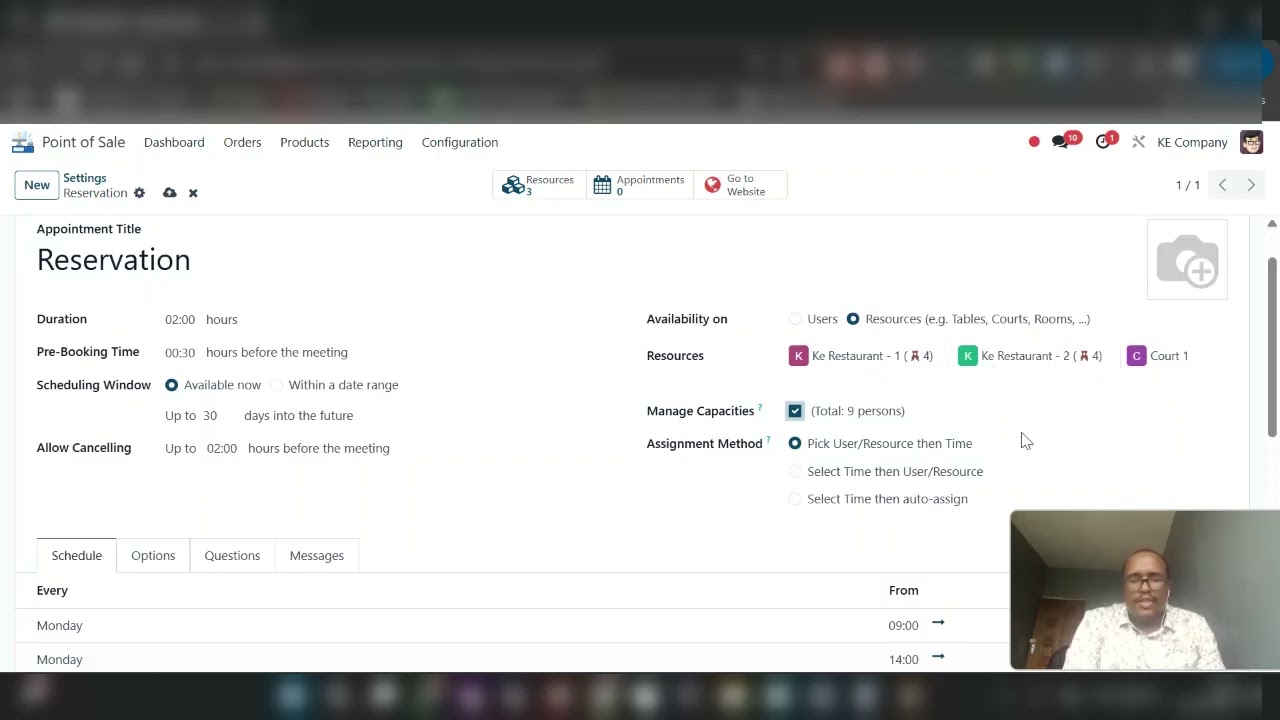
No slides, no mock-ups. Every screen in this course is BridgeERP doing the job.
Who records these
The lessons are recorded by the BridgeERP team that builds and supports the software, on the same version you get on a trial. When a screen changes, the lesson is re-recorded rather than patched with a note.
This course was last updated in September 2026.
Other courses
 17 minBasicBasic — no prior setup assumed.
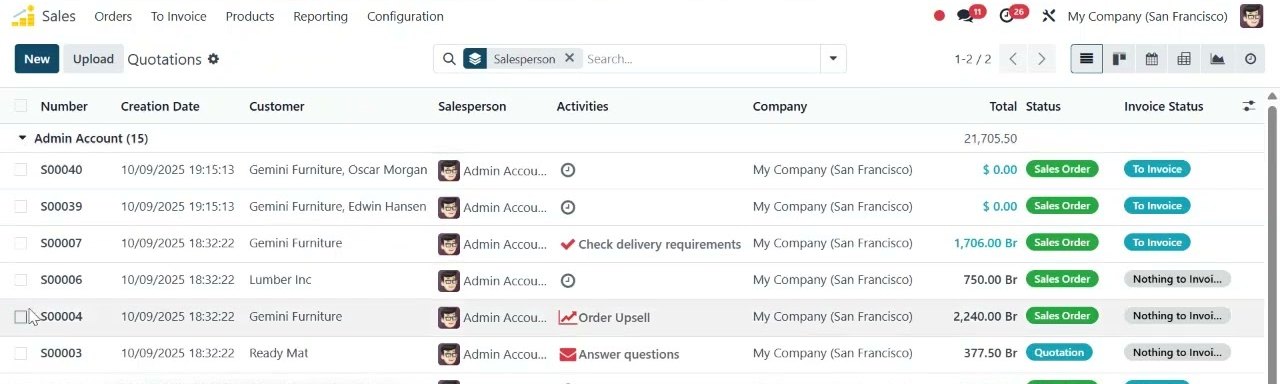
 SalesQuotations through to confirmed orders, pricelists and delivery.QuotationsStart the course →
 13 minBasicBasic — no prior setup assumed.
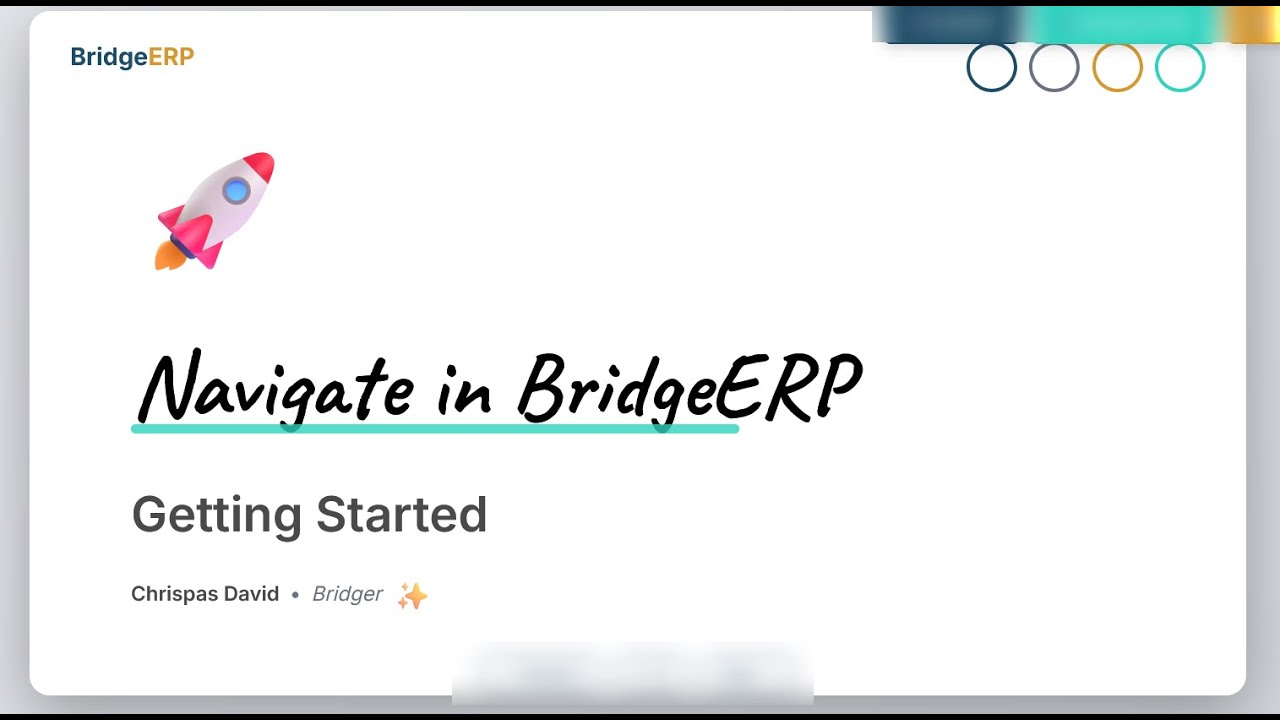
 Getting StartedThe first hour in BridgeERP — your company, your users, your first documents.Getting StartedStart the course →
 24 minBasicBasic — no prior setup assumed.
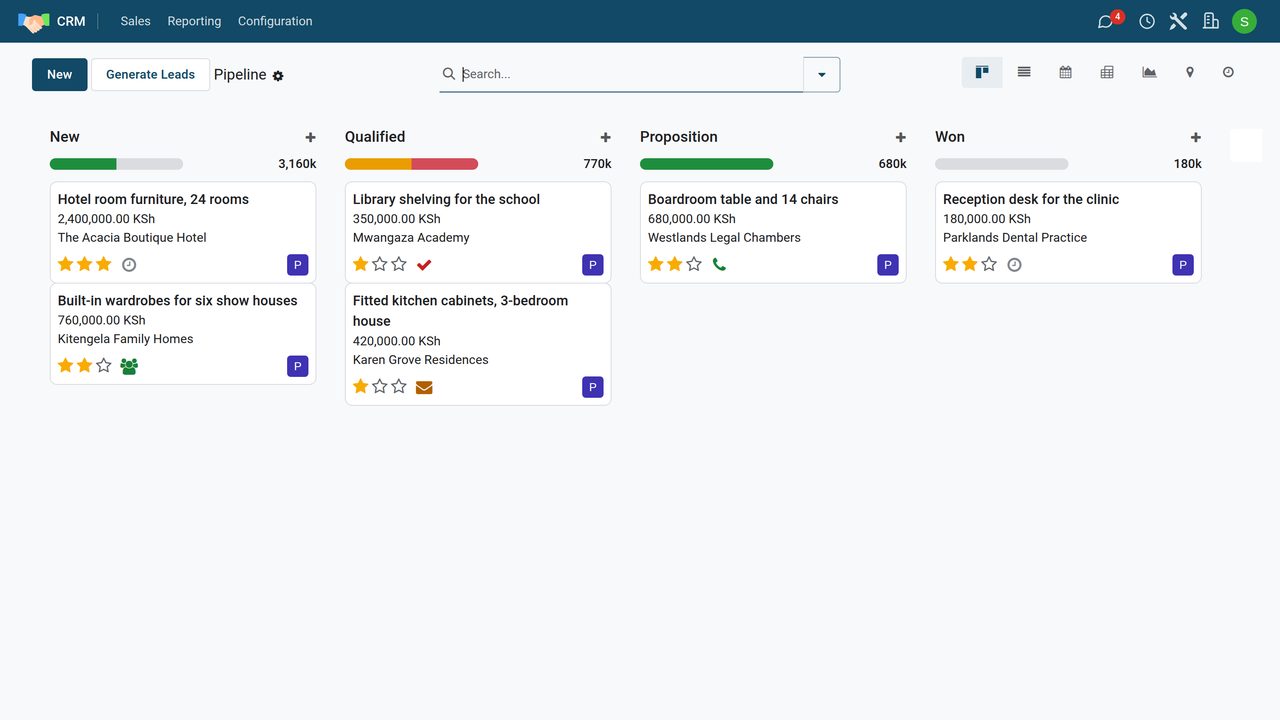
 CRMWork a sales pipeline, plan every next step and read where revenue will come from.CRM BasicsLead ManagementPerformance AnalysisStart the course →
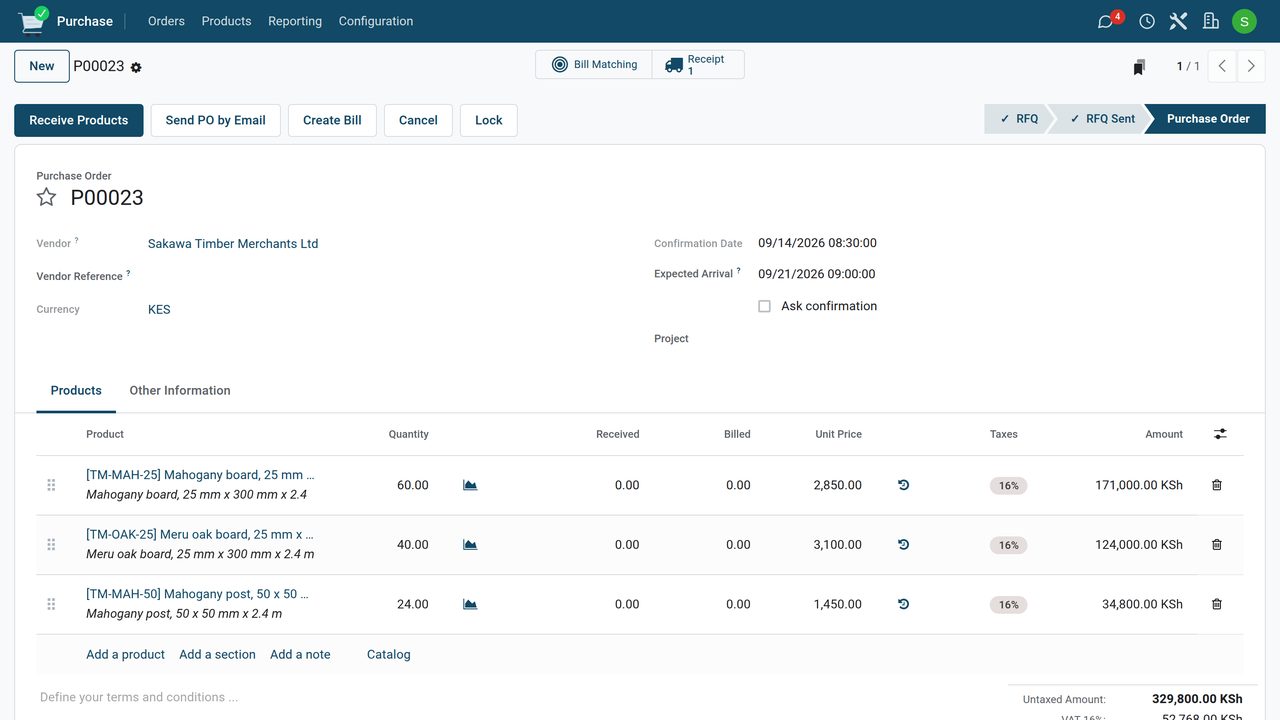 17 minBasicBasic — no prior setup assumed.
 PurchaseRequest quotations, confirm orders, receive the goods and bill only what arrived.Buy and ReceiveManage DealsStart the course →
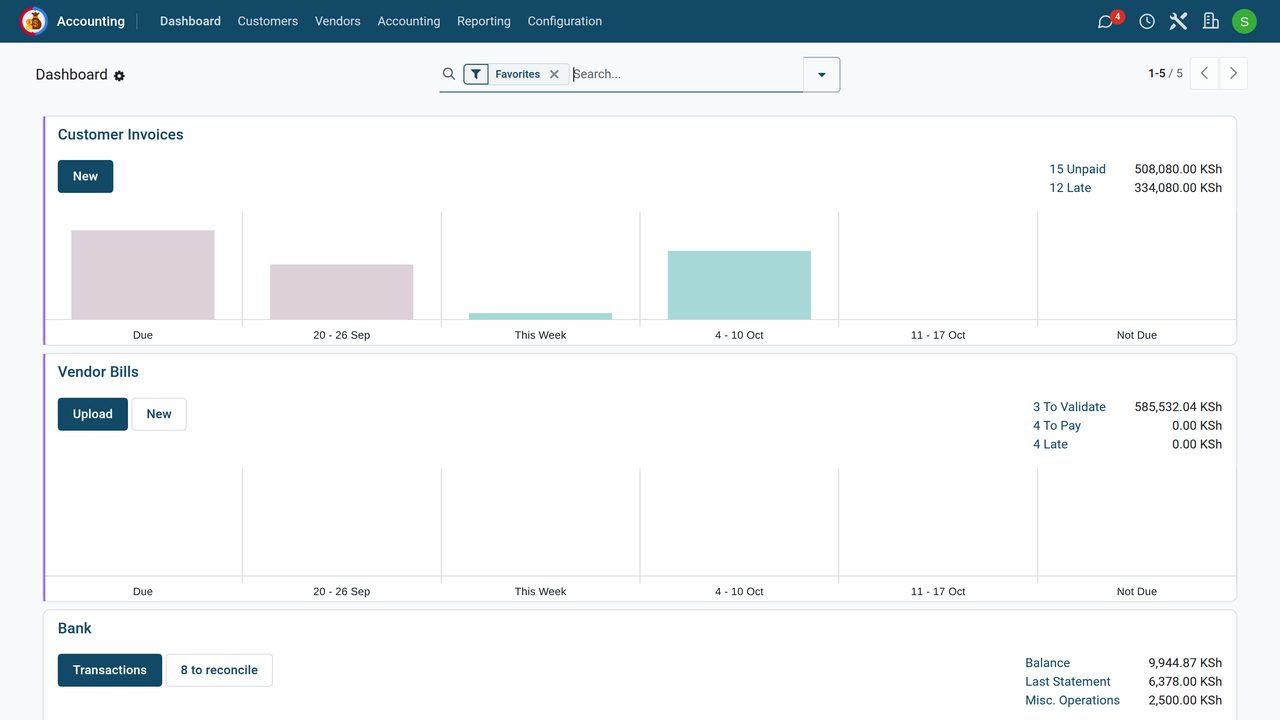 27 minBasicBasic — no prior setup assumed.
 Accounting and InvoicingInvoice customers, record payments, reconcile the bank and read your statements.Accounting BasicsInvoicingPaymentsStart the course →
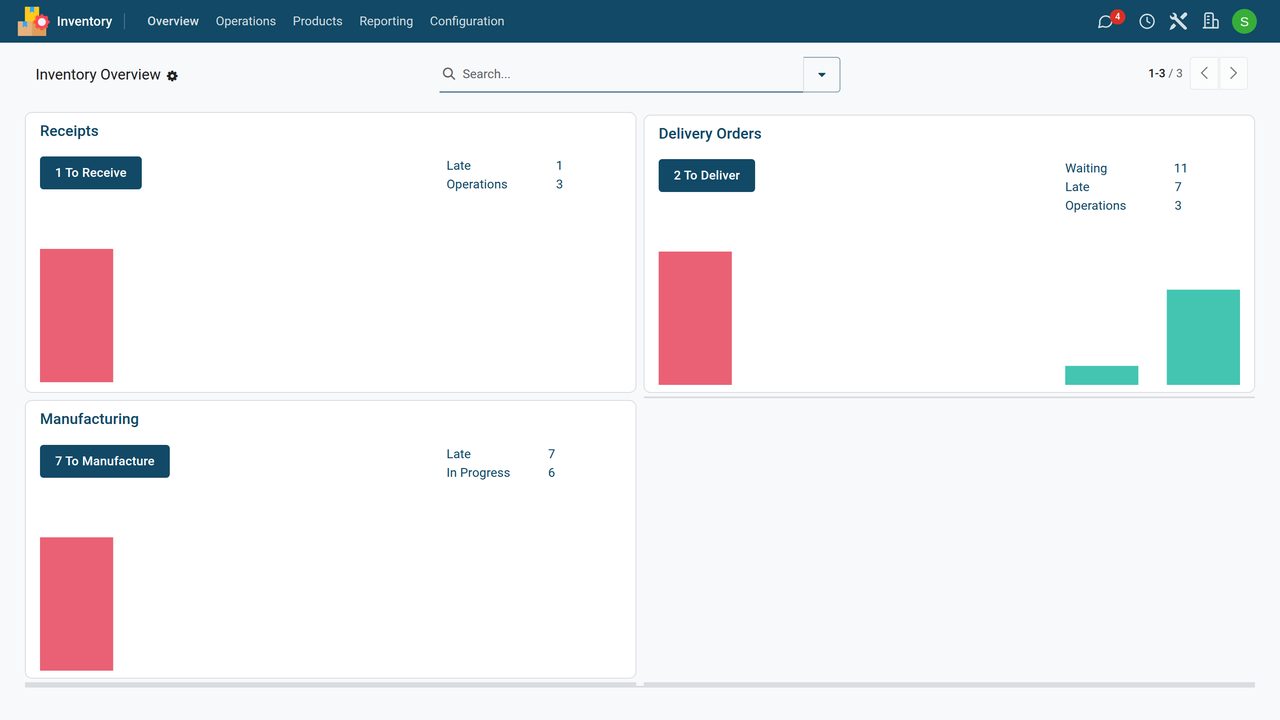 20 minBasicBasic — no prior setup assumed.
 InventorySee what comes in and goes out, deliver orders, restock and count the shelf.Inventory basicsReplenishmentWarehouse transfersStart the course →
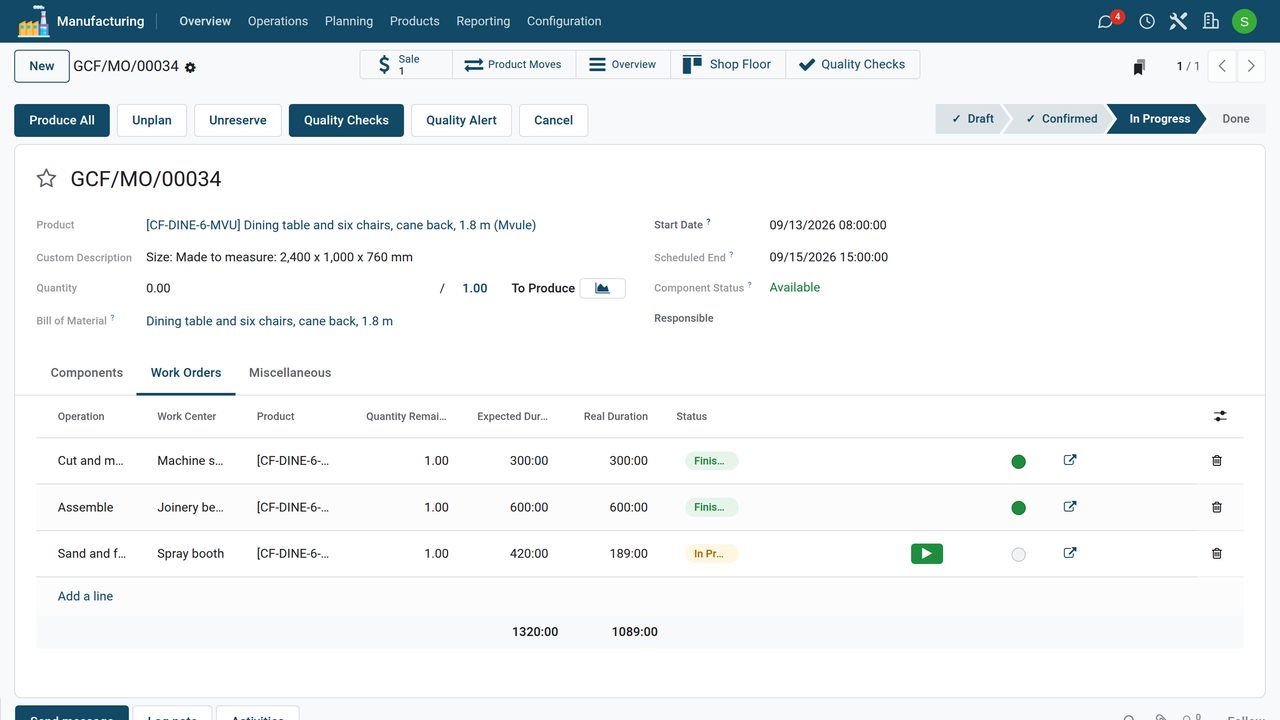 13 minBasicBasic — no prior setup assumed.
 ManufacturingDescribe products with bills of materials, then run manufacturing and work orders.MRP BasicsManufacturing OrdersStart the course →
Do it on your own system
Start a free trial and follow this course on your own BridgeERP, with your own products and prices.